Event
Ducktober
Run
10.26 → 11.04
Drops
08
Status
08 live

DUCKTOBER

Eight launches in eight days. A new one comes through every weekday at 9am PT. The rest stay scrambled until then.

Week 01Tap a tile to tune in
  • Mon 10.26Live
    01

    BYOC

    Bring Your Own Compute. Your cloud, our duck.

    Open →
  • Tue 10.27Live
    02

    RLS + CLS

    One copy of your data. Every user sees only their slice.

    Open →
  • Wed 10.28Live
    03

    Giga

    One very big duck. Tens of terabytes, no cluster.

    Open →
  • Thu 10.29Live
    04

    Dive Apps

    Dashboards that write back. Apps that act.

    Open →
  • Fri 10.30Live
    05

    AWS Marketplace

    Put the duck on your AWS bill.

    Open →
Week 02Signal improving
  • Mon 11.02Live
    06

    EXPLAIN ANALYZE

    Live charts for your agentic ingestion pipelines.

    Open →
  • Tue 11.03Live
    07

    Agent Chat

    The shortest path from data to action.

    Open →
  • Wed 11.04Live
    08

    Dark Mode

    Lights off. Ducks on.

    Open →
  • All eight are live.
    Pick one and start building.

    Start free
Live nowNewest first
Drop 08 · Dark Mode

Lights off. Ducks on.

One of the most-requested features in the pond is here: MotherDuck now has a full dark mode, built on the redesigned UI that shipped alongside Agent Chat. If your computer is already set to dark, MotherDuck follows it automatically. Prefer to pick? Head to Settings › Preferences and choose System, Light or Dark. Late-night queries, long Dive sessions and screen-shared demos just got a lot easier on the eyes.

Default
Follows your system setting
Switch it
Settings › Preferences
Options
System, Light, Dark
Built on
The redesigned MotherDuck UI
See it workAgent Chat demo
From the blogRead →
Read the blog: Agent Chat, the shortest path from data to action
Drop 07 · Agent Chat

The shortest path from data to action.

Agent Chat puts an AI agent right inside MotherDuck. Tell it what you want and it writes the SQL and Python for you: pull in raw data with a Flight, analyze it with your business context, and turn the answer into an interactive Dive your team can actually use, in one prompt and a couple of clicks. No separate AI client to set up, no copy-pasting code between windows, no model to pick. And the work doesn't disappear when the chat ends. Flights rerun on a schedule, Dives get shared and updated, and everything lives in one place instead of a pile of one-off dashboards nobody can find.

Goes from
Raw data → pipeline → live app
Writes
SQL + Python, on your behalf
Grounded in
Your business context, via Guides
Setup
Open the chat. No model to pick.
From the blogRead →
Read the blog: live charts of your Python pipelines
Drop 06 · EXPLAIN ANALYZE

Your agent built the pipeline. Now see exactly what it did.

EXPLAIN ANALYZE gives you live charts for your agentic ingestion pipelines. An agent can build a MotherDuck Flight that pulls data in from APIs and other services in minutes, and EXPLAIN ANALYZE is how you know it does what you asked, without reading code you didn't write line by line. Every run becomes a live chart of the plan next to the outcome: which steps ran, which branch the flight took, how far each step got and what it touched. When a step writes data it was never supposed to touch, it gets flagged, which is often the first sign an agent built something other than what you asked for.

Built for
Agentic ingestion pipelines
Shows
The plan vs. what actually ran
Flags
Steps that touch data they shouldn't
Setup
Nothing to install. Ask your agent.
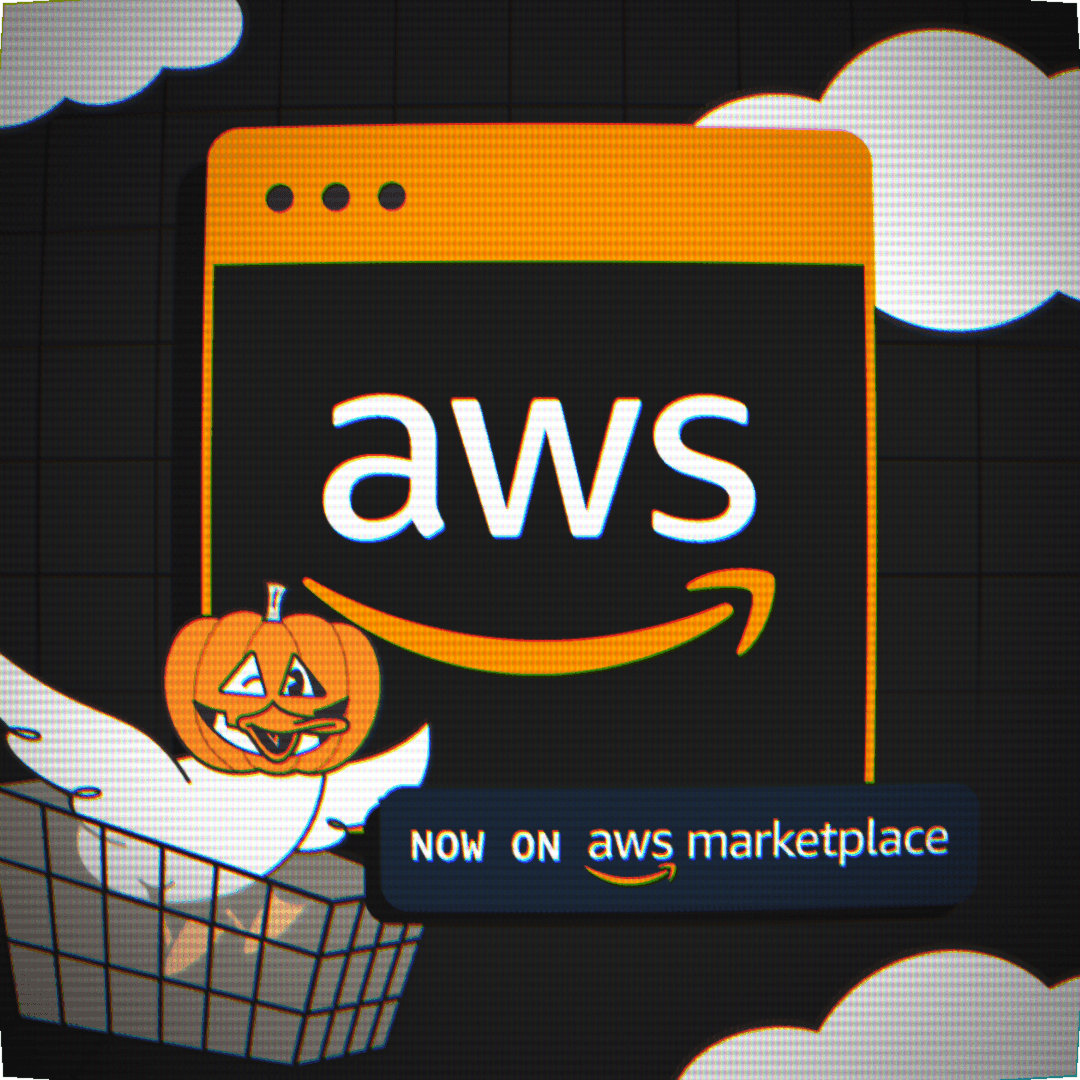
A duck in a shopping cart in front of the AWS logo: MotherDuck, now on AWS Marketplace
Drop 05 · MotherDuck on AWS Marketplace

Already have AWS budget? You already have MotherDuck.

MotherDuck is now on AWS Marketplace. Buy it through your AWS account, pay for it on your AWS bill, and draw down the EDP commit you've already signed. Skip the new-vendor legal, security and procurement cycle, start a proof of concept this week with budget you already have, and give your team gold-tier analytics fast enough to power internal tools and customer-facing data apps.

Buy through
AWS Marketplace
Pay with
Your AWS bill + EDP commit
New paperwork
Skip the new-vendor cycle
Proof of concept
This week, on existing budget
Built for
Gold-tier analytics + data apps
In actionAd budget app
From the blogAlex Monahan · Read →
Read the blog: Introducing Dive Apps
Drop 04 · Dive Apps

Stop staring at dashboards. Ship apps that act.

Dive Apps are custom data apps that write back anywhere. Build one with your agent, and every click can trigger a Flight that updates your warehouse, syncs to HubSpot, sends the email or posts to Slack. Replace the SaaS seats you only half use, turn decisions into action where the data already lives, and keep a human in the loop until your agents earn autopilot.

Writes back to
MotherDuck, HubSpot, Slack, email + more
Built with
Your agent + the MotherDuck MCP
Replaces
SaaS tools you half use
Governed by
SSO, RBAC, row + column security

“A single license for a power analytics tool for six months could be $50,000.”

Ben Holtzman · AheadComputing, building on MotherDuck instead
From the blogJordan Tigani · CEO · Read →
Read the blog: Bringing the Big Ducks
Drop 03 · Giga instances

One very big duck. Tens of terabytes. No cluster.

Giga is MotherDuck's largest instance: roughly the CPU and RAM of a Snowflake 3XL, in a single machine instead of 64 networked nodes. On the 10 TB TPC-DS benchmark it ran all 99 queries at a 5.6-second geomean, keeping pace with distributed warehouses at a similar or higher price. Scale up when the data gets big, with no cluster to size, tune or babysit.

TPC-DS 1 TB
0.69s geomean
TPC-DS 10 TB
5.6s geomean
Comparable to
Snowflake 3XL, in one machine
Architecture
Single node, no cluster to tune
ExplainerSecure views · 3 rules
Drop 02 · Row-level + column-level security

One database. Every customer. Each sees only their own data.

Row-level and column-level security are now built into MotherDuck. Set access rules once in the warehouse, and every query, whether it comes from your app, your BI tool or an AI agent, returns only the rows and columns that user is allowed to see. Sensitive fields can be masked instead of hidden. Stop copying data per customer, maintaining a view for every team, or rebuilding permissions in app code.

Customer-facing apps
Every tenant in one database
Internal BI
One dashboard, filtered per viewer
PII + sensitive fields
Masked or hidden by column
Works on
Native storage + managed DuckLake
Drop 01 · Bring Your Own Compute

Sometimes even a duck needs its own cloud.

MotherDuck, deployed in your own AWS account. Your data stays behind your perimeter, the compute runs on infrastructure you already pay for, and your team keeps the fast, serverless DuckDB warehouse they already know.

Runs in
Your AWS account
Data stays
Behind your perimeter
Compute bills to
Your AWS account
Feels like
Regular MotherDuck

That’s all eight. Every Ducktober launch is live in MotherDuck today.