← Browse Dives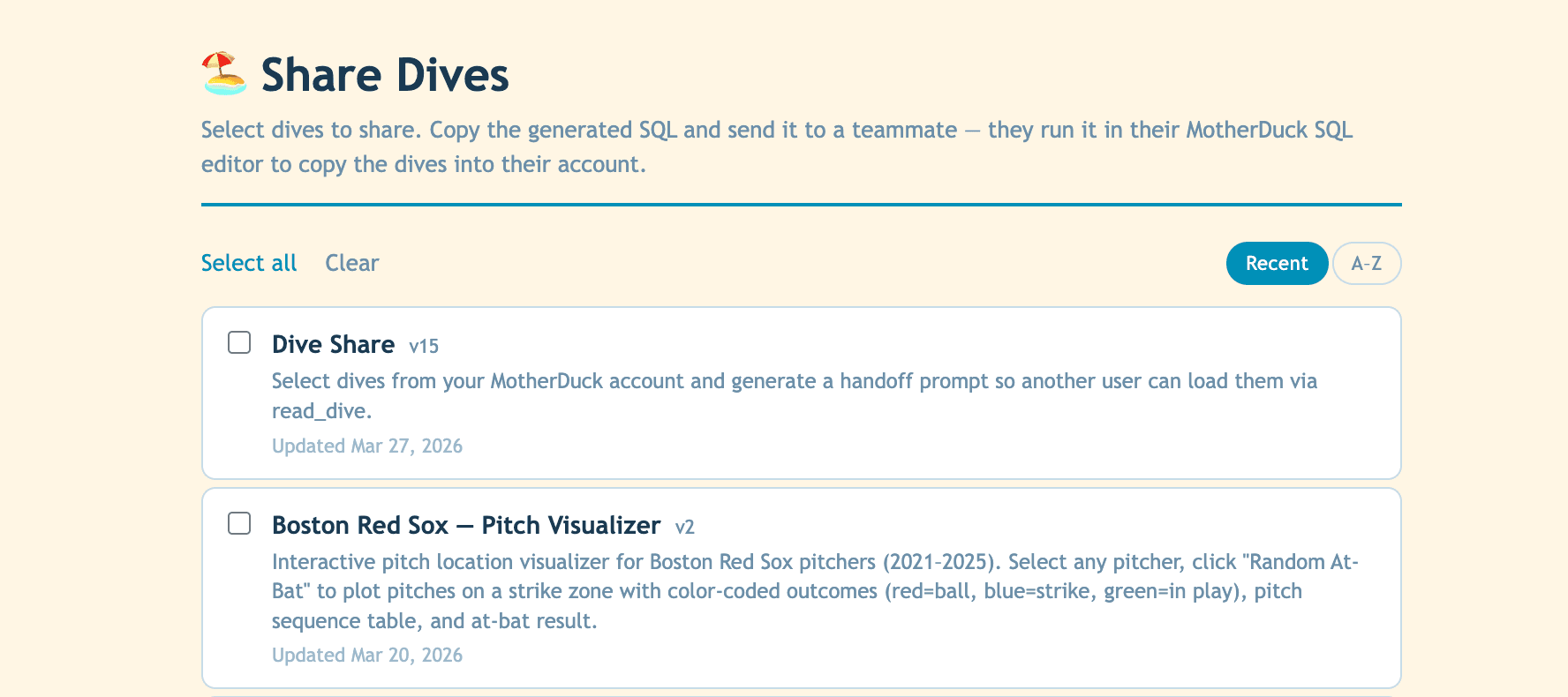
Loading Interactive Dive...
Dive Share
Select dives from your MotherDuck account and generate a handoff prompt so another user can load them via read_dive.
ToolMotherDuck
Author: Adam Engel · March 27, 2026 Region: us-east-1
AI Prompts Used
1Prompt 1
1. List dives

Query MD_LIST_DIVES() with useSQLQuery to get id, title, description, version, and formatted date. Sort by updated_at DESC.2Prompt 2
2. Checkbox selection UI

  Render each dive as a <label> wrapping a checkbox. Track selected IDs in a Set<string>. Add Select all / Clear buttons and a sort
  toggle (Recent / A–Z). For alphabetical sort, strip leading emoji before comparing:
title.replace(/^[\p{Extended_Pictographic}\s]+/u, "").trim().toLowerCase()3Prompt 3
3. Fetch dive content on selection

  Mount an invisible DiveContentFetcher component for each selected dive ID. It runs:
  SELECT content FROM MD_GET_DIVE(id := '<id>'::UUID)
  …and reports the content up via a callback. This pattern is required because useSQLQuery is a hook and can't be called conditionally
   or in a loop.
4Prompt 4
4. Detect referenced databases

  Cross-reference dive content against MD_ALL_DATABASES() to avoid false positives from JS variable names. Use a regex to find
three-part identifiers (db.schema.table) and keep only names that appear in the known-databases whitelist.5Prompt 5
5. Generate Step 1 SQL (sharer runs this)

  For each referenced database:
  CREATE SHARE IF NOT EXISTS "db_name" FROM "db_name";
Only show this section if any databases are detected.6Prompt 6
6. Generate Step 2 SQL (send to teammate)

  Because MD_CREATE_DIVE can't take subqueries as arguments directly, use the SET VARIABLE pattern:
  SET VARIABLE _id = '<uuid>'::UUID;
  SET VARIABLE _title   = (SELECT title       FROM MD_GET_DIVE(id := getvariable('_id')));
  SET VARIABLE _desc    = (SELECT description FROM MD_GET_DIVE(id := getvariable('_id')));
  SET VARIABLE _content = (SELECT content     FROM MD_GET_DIVE(id := getvariable('_id')));
FROM MD_CREATE_DIVE(title := getvariable('_title'), description := getvariable('_desc'), content := getvariable('_content'));7Prompt 7
7. Copy buttons

Use navigator.clipboard.writeText with a textarea/execCommand fallback. Toggle a "Copied!" state for 2 seconds.8Prompt 8
8. Theme

  Sandy background (#fef6e4), deep ocean text (#1a3a52), ocean blue accent (#0090b8), Trebuchet MS. Rounded cards and pill buttons for
   a casual feel.
Comments
Log in to leave a comment.
No comments yet. Be the first!