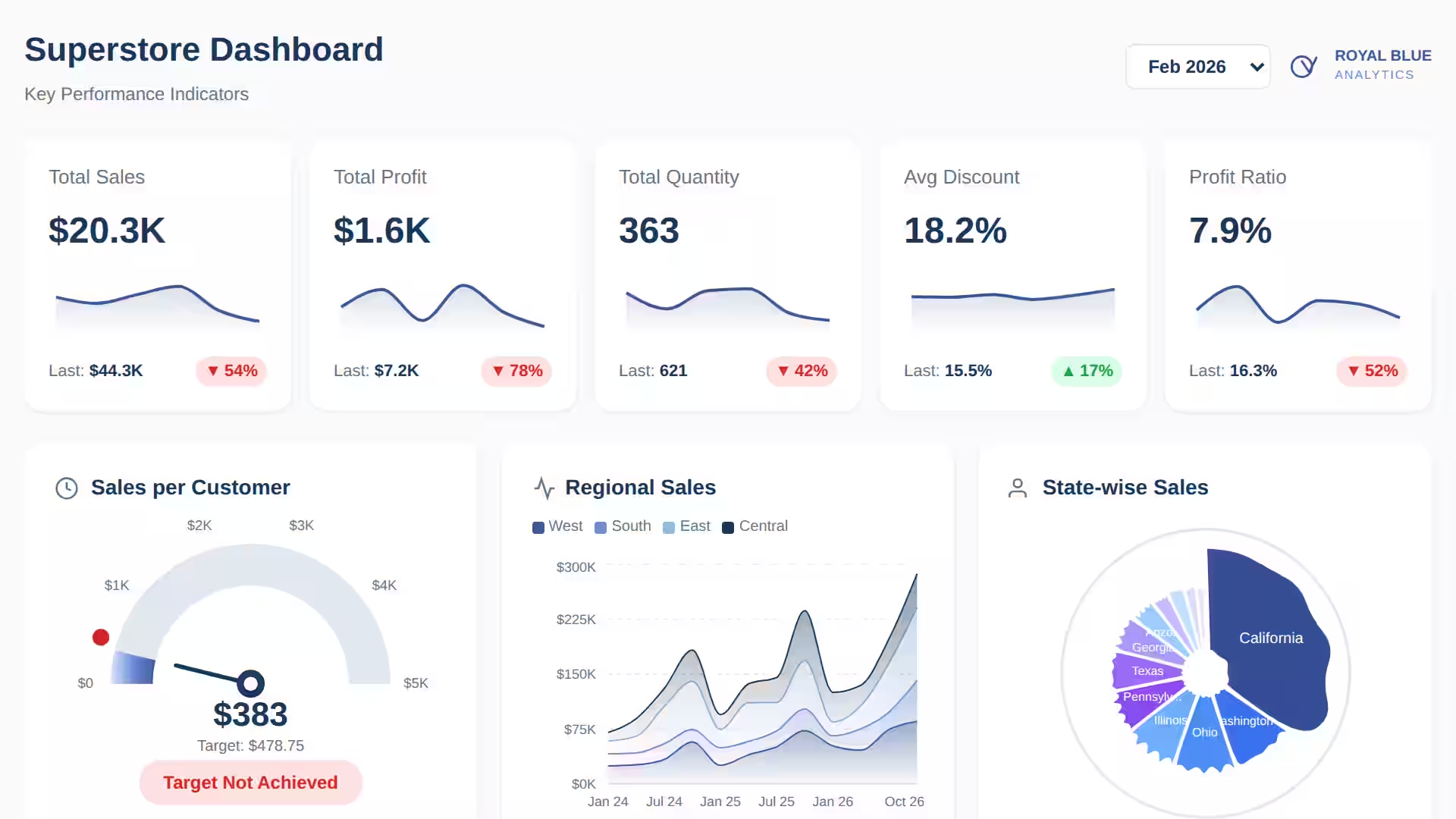
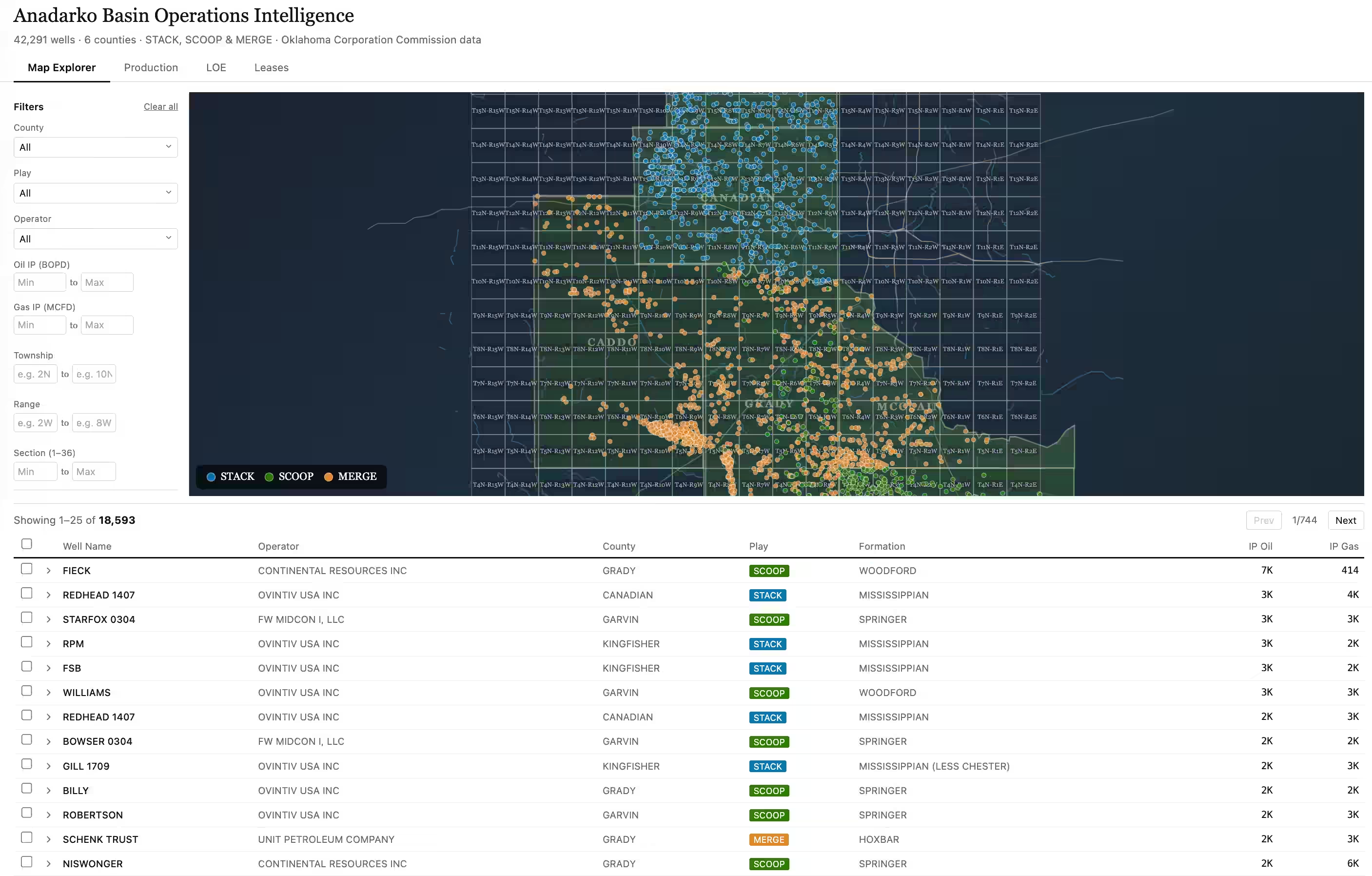
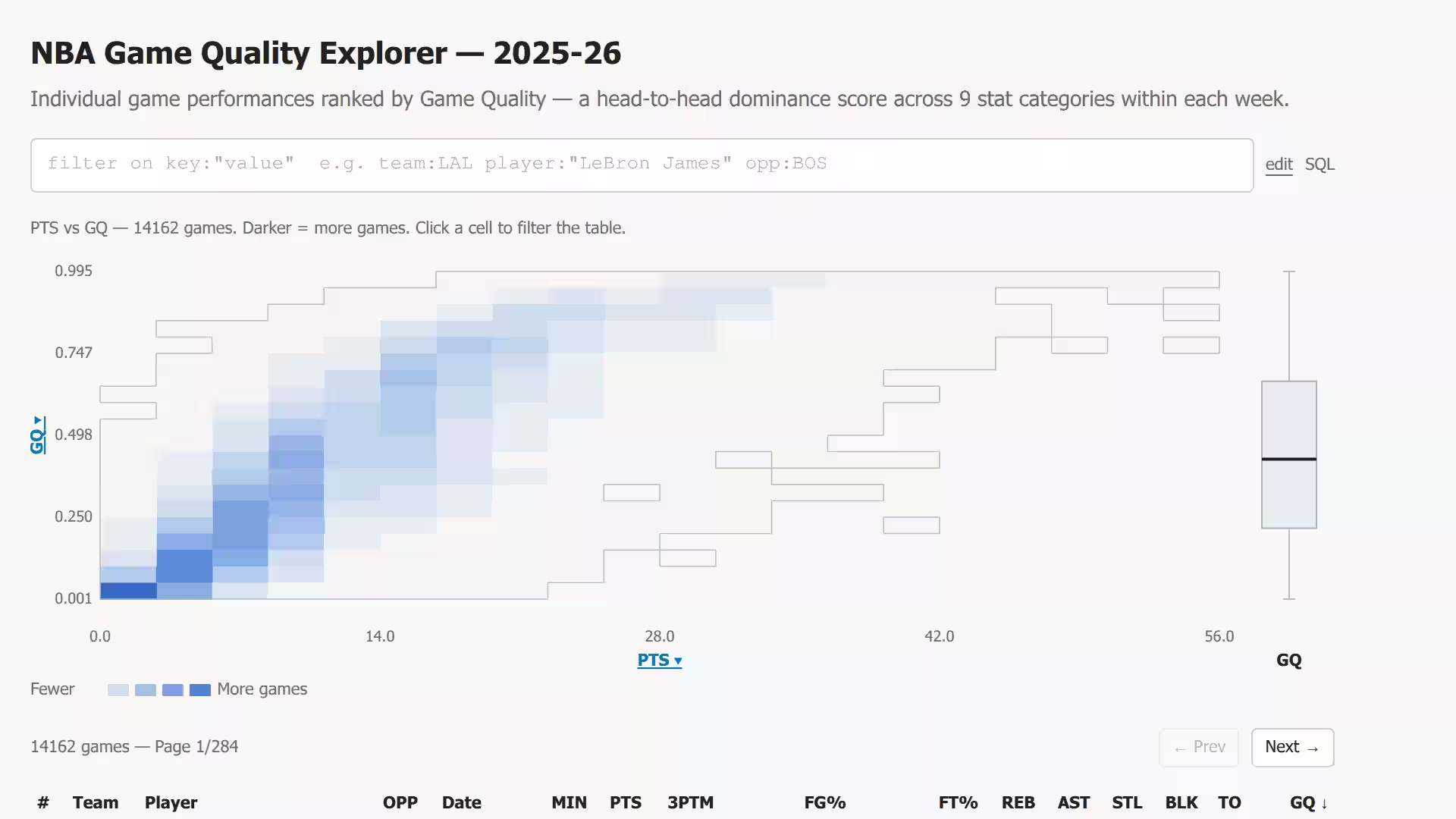
Natural language to live visualization
The best answers come from your organization’s context. Use your agent to explore data with the MotherDuck MCP Server, iterate on your analysis, and publish a Dive to explore with live data.
Less than three weeks before Data Outpost. Get your ticket before they sell out.Join AI and Data builders Nov 4-5 in SF
Create rich data apps and interactive visualizations for internal insights or embedding in your application. Build, deploy, and manage with the agent of your choice — no BI license required.
Bring your questions and your agent. MotherDuck does the rest.
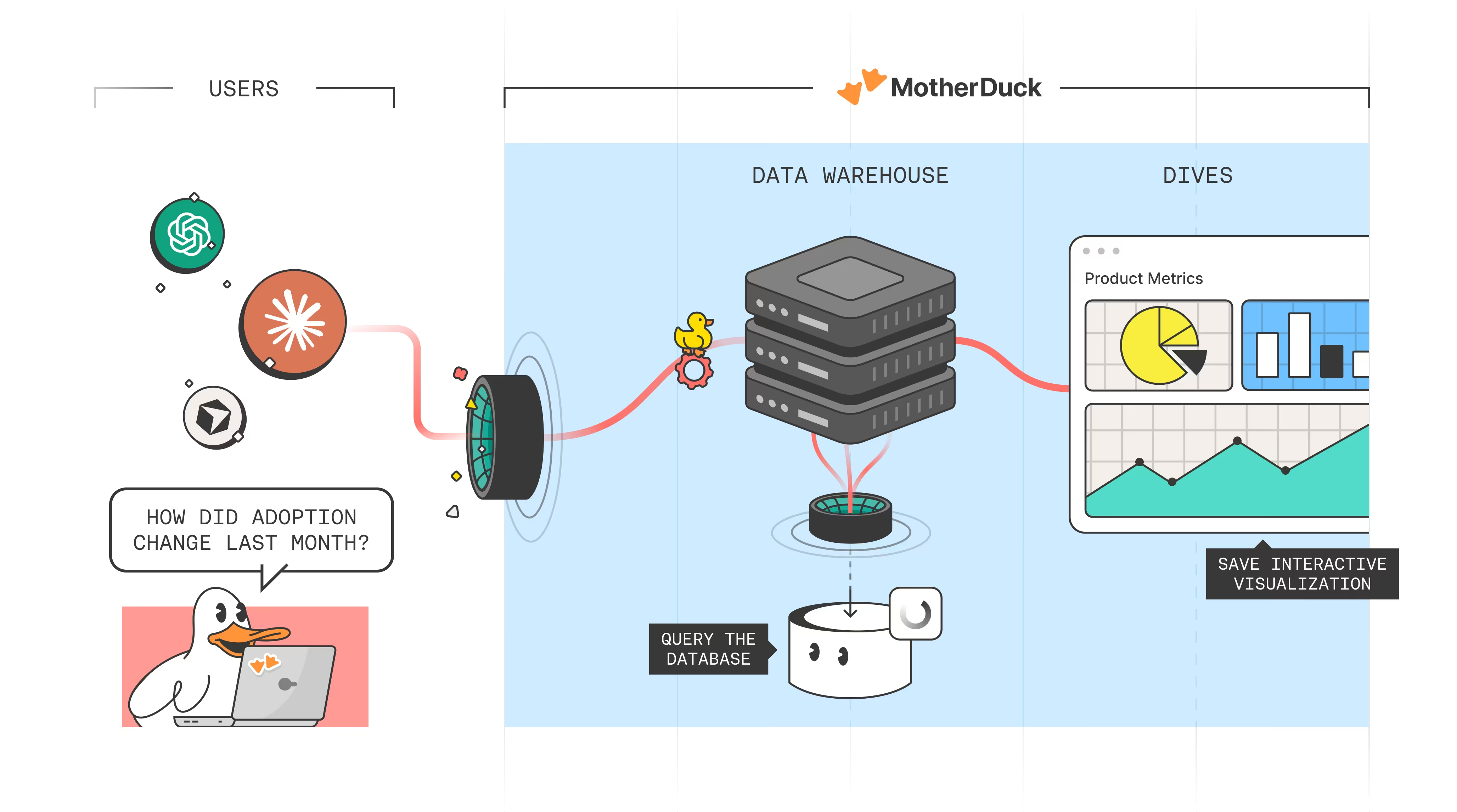
Go deeper than a dashboard. Start with a question, then build interactive visualizations in your workspace. Filter, drill down, and revisit your answers anytime — no exports, no waiting.
The best answers come from your organization’s context. Use your agent to explore data with the MotherDuck MCP Server, iterate on your analysis, and publish a Dive to explore with live data.
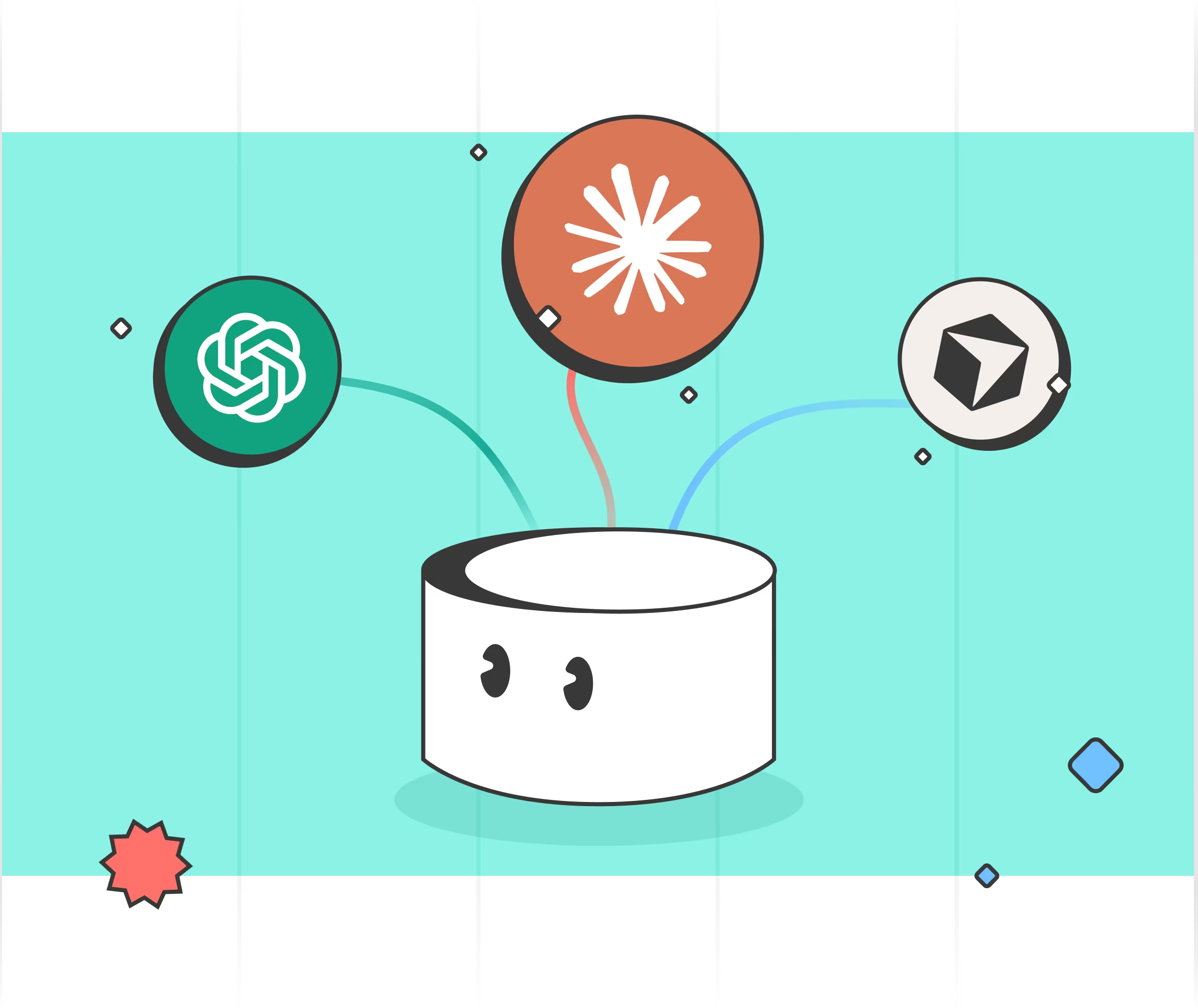
The best agent is the one you already use. Bring any agent that connects to the MotherDuck MCP, like Claude, ChatGPT, or Cursor.
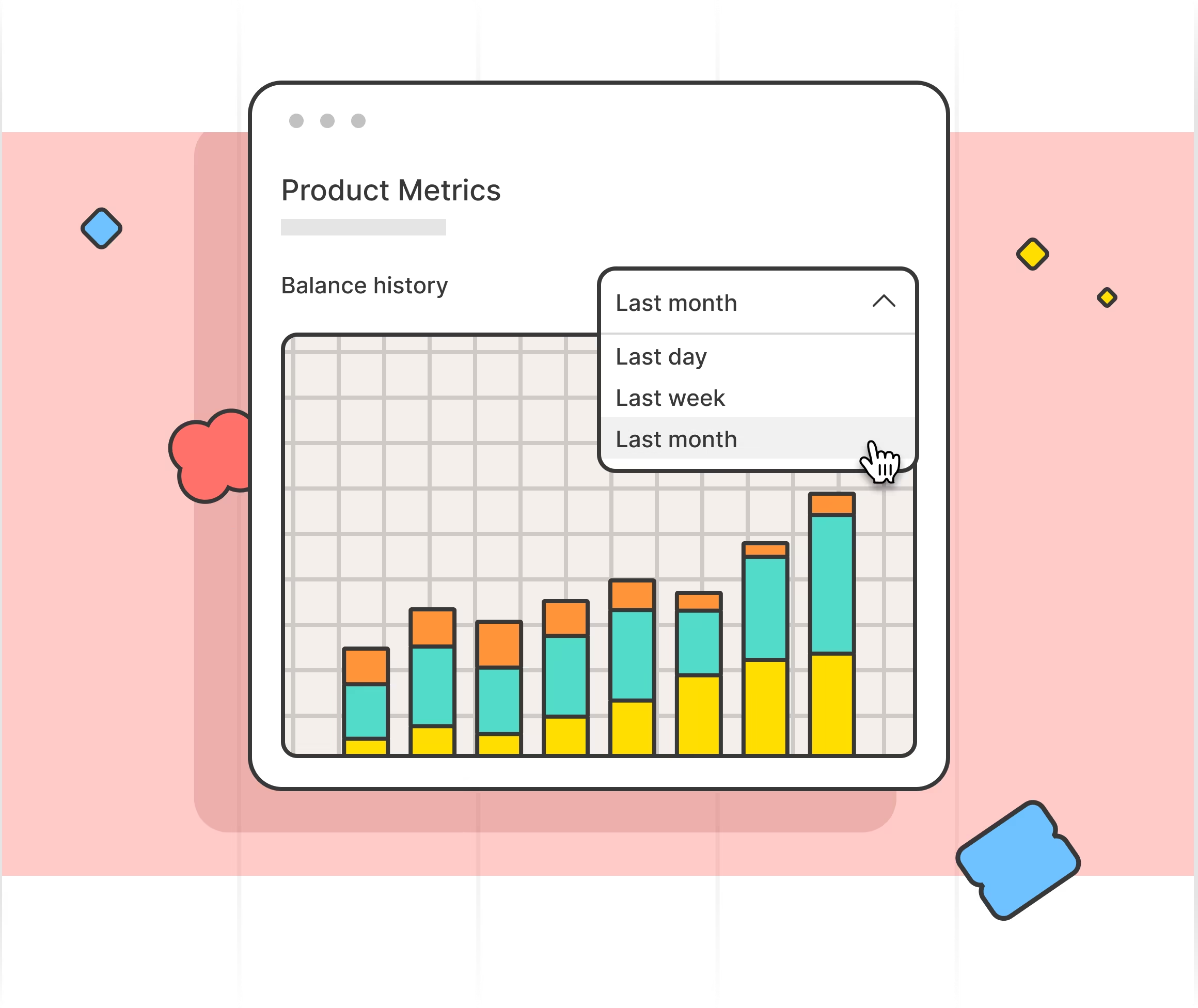
Dives aren't static. Click, filter, and drill down to find the answer you're actually looking for – powered by dual execution for instant query performance.
Dives persist alongside your SQL and data. No context switching between tools, no separate BI login. Your answers stay where your data lives.
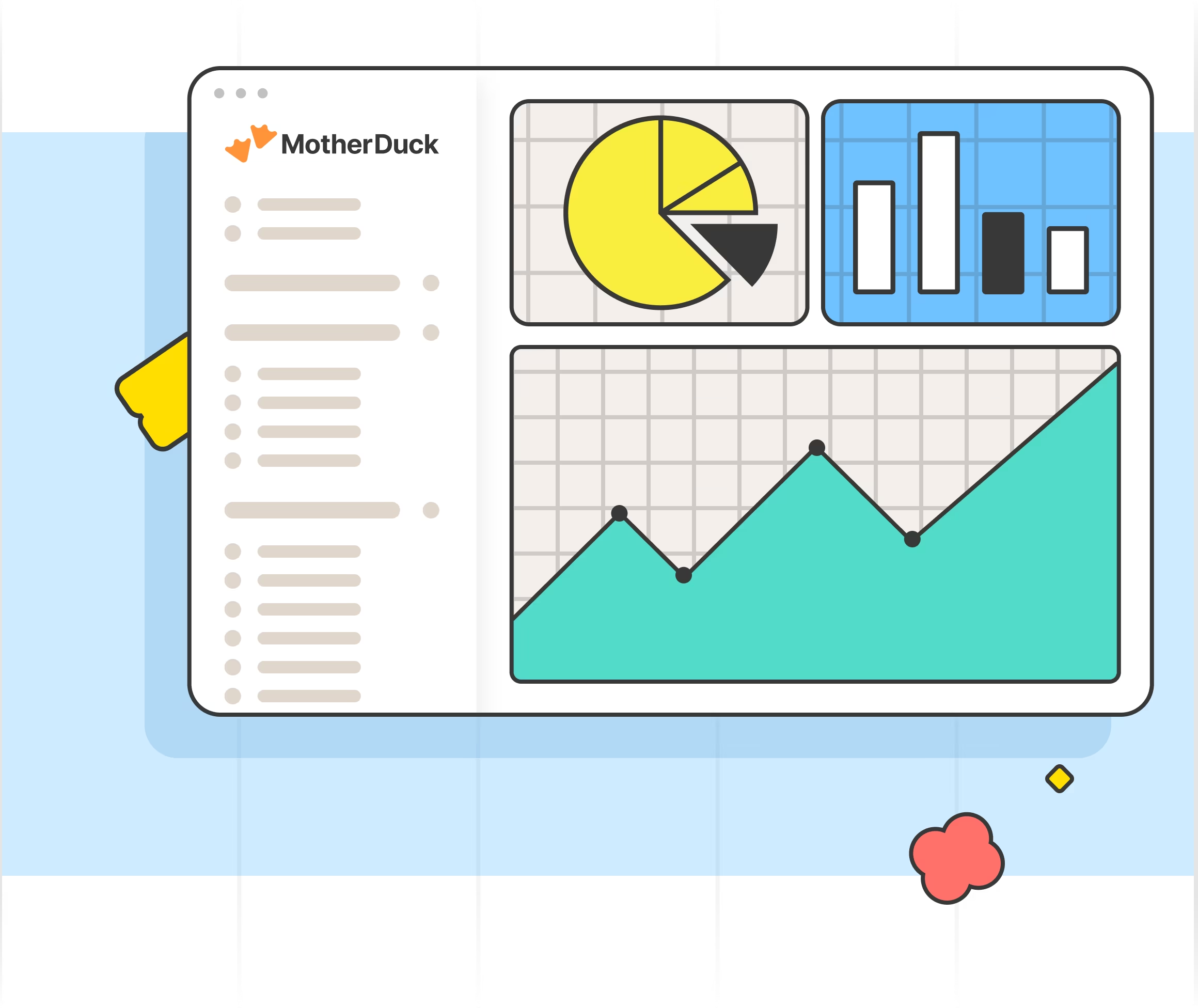
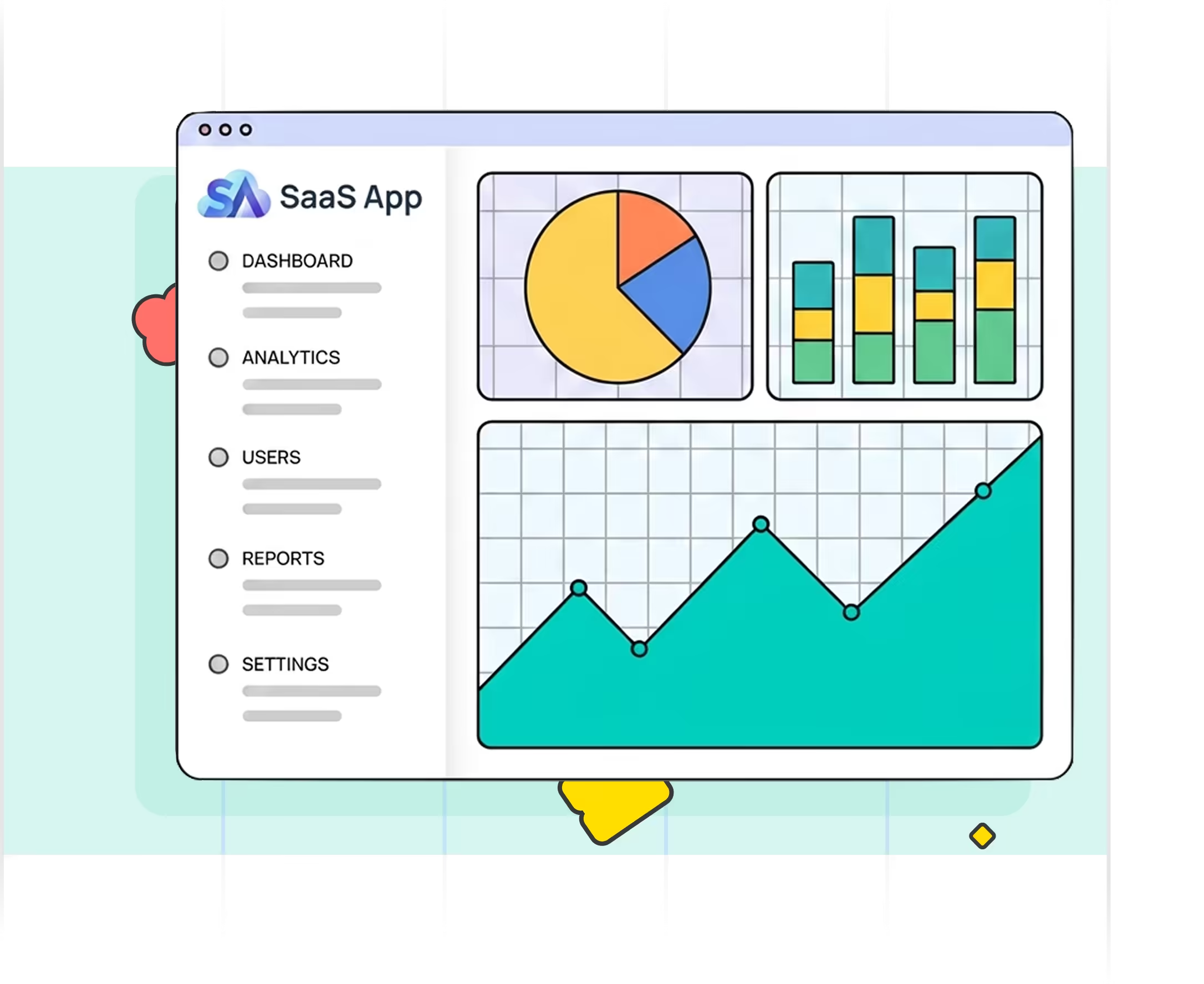
Ship customer-facing, embedded analytics without building a charting layer. Drop live, interactive Dives straight into your SaaS app — no separate BI tool and no frontend to maintain.
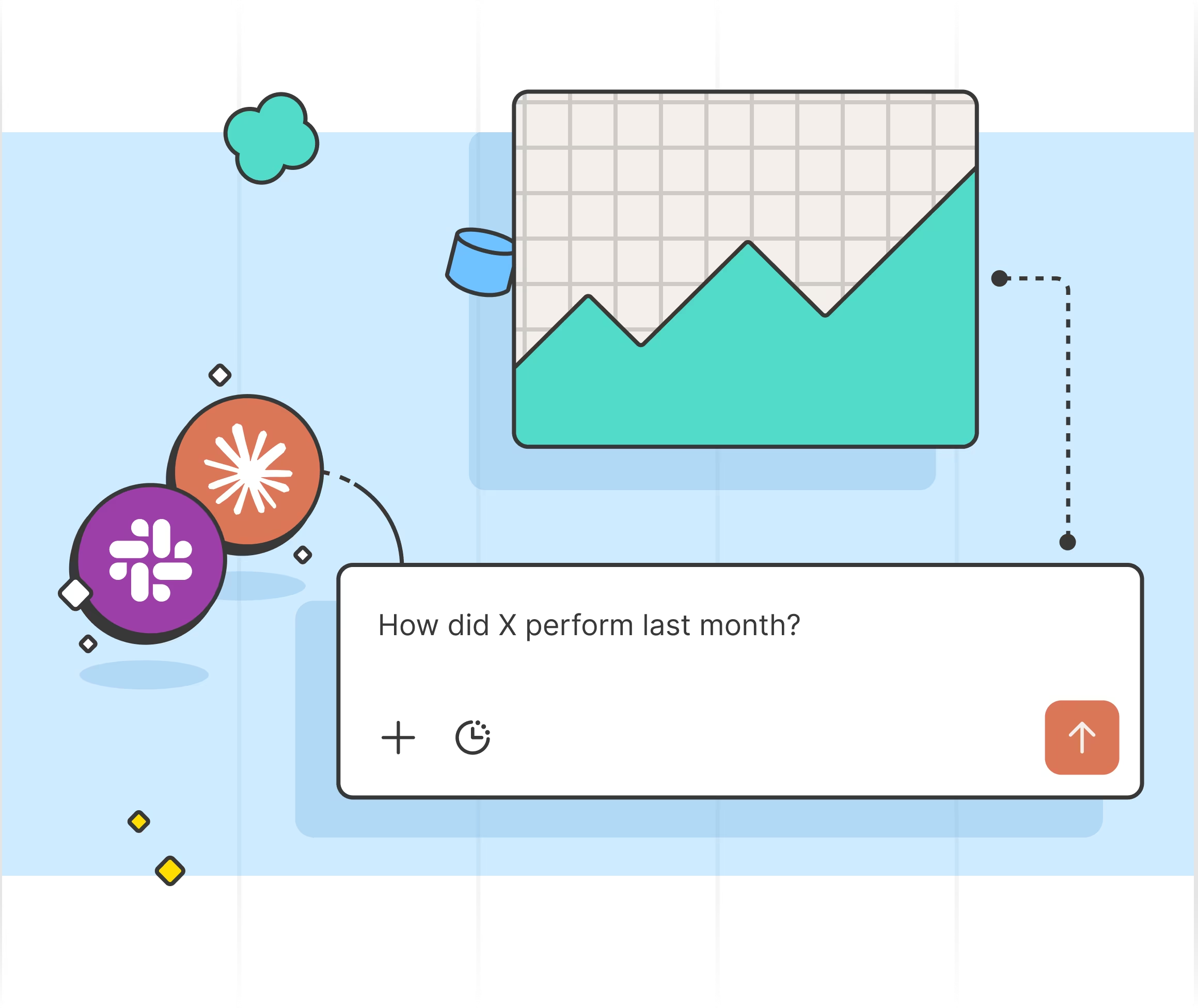
Ask the agent a question and watch it build an interactive chart with real data.
Explore dashboards and business intelligence apps built with MotherDuck Dives — and get inspired to build your own.
Turn one-off questions into interactive answers.