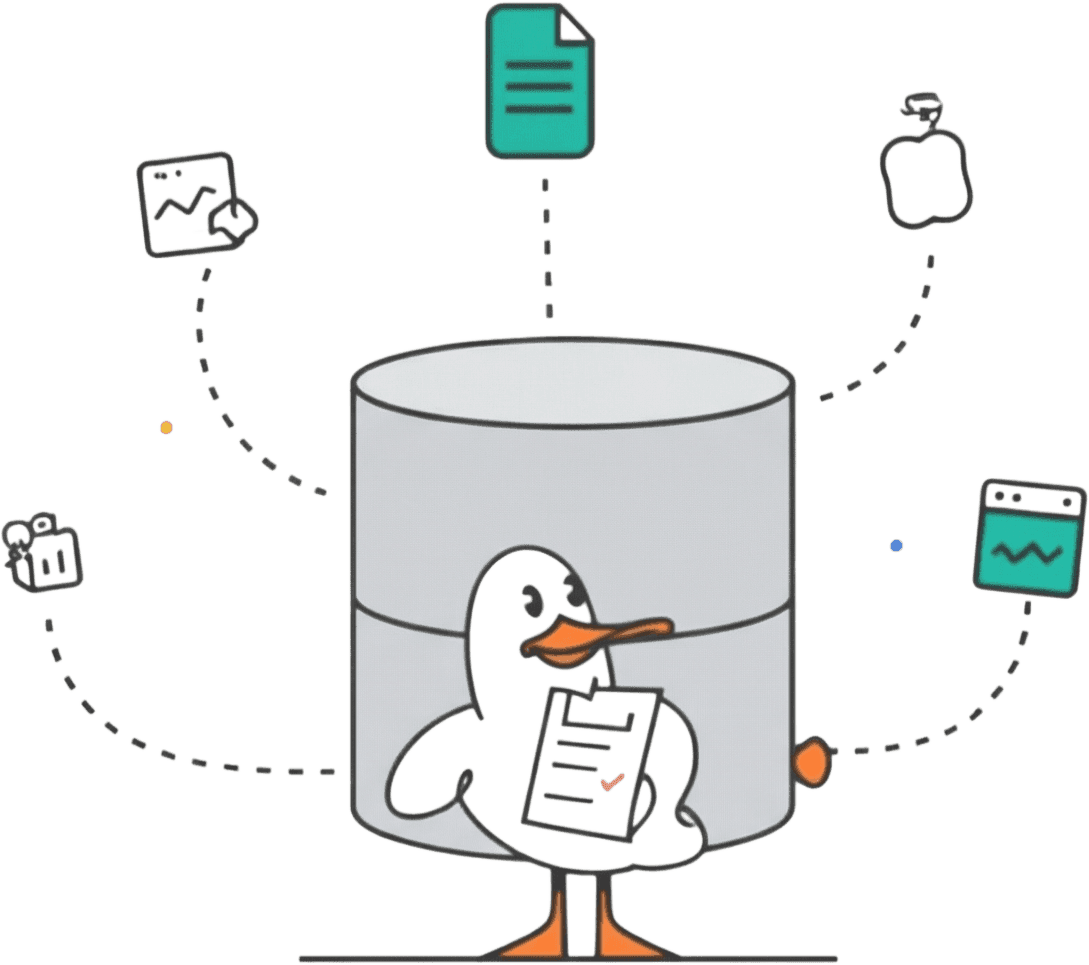
An enterprise data warehouse (EDW) is a centralized repository that consolidates structured data from across an organization into one system built for analytical queries and reporting. Unlike departmental data marts or operational databases, an EDW pulls data from every business unit and maintains a consistent history over time. The goal is to give everyone in the organization access to the same numbers, defined the same way, so decisions are based on facts rather than conflicting spreadsheets.
That definition sounds clean, but building and maintaining an EDW is where things get complicated. This guide covers the architecture patterns, components, and practical steps involved in standing up an enterprise data warehouse, along with the tradeoffs you will hit along the way.
EDW vs. data mart vs. operational database
These three terms get confused constantly, so let's be precise.
An operational database (OLTP system) handles the day-to-day transactions of a business application. Think order processing, user account management, inventory updates. It's optimized for fast writes and single-row lookups. You would never run a year-over-year revenue trend analysis against your production Postgres instance (or at least you shouldn't).
A data warehouse is the analytical counterpart. It pulls data from those operational systems, transforms it into a consistent schema, and stores it in a format optimized for complex queries across large time ranges.
A data mart is a subset of a data warehouse, scoped to a single department or business domain. The marketing data mart contains marketing-relevant dimensions and facts. The finance data mart contains financial data. An EDW contains all of them, plus the shared dimensions that tie everything together.
| Characteristic | Operational database (OLTP) | Data mart | Enterprise data warehouse (EDW) |
|---|---|---|---|
| Scope | Single application | Single department or domain | Entire organization |
| Data sources | Application itself | One or few sources | Many sources across the business |
| Optimized for | Transactional reads/writes | Departmental analytics | Cross-functional analytics |
| Schema design | Normalized (3NF) | Star or snowflake schema | Star, snowflake, or normalized depending on approach |
| Data history | Current state only | Some history | Full historical record |
| Users | Application end users | Department analysts | Analysts, executives, data scientists across the org |
| Size | GBs to low TBs | GBs | GBs to PBs |
The distinction is scope. If your warehouse only serves one team's reporting needs, it's a data mart. An EDW is the integrated layer that feeds those marts and enables queries that span departments.
Architecture patterns
There's no single "correct" EDW architecture. The right choice depends on your organization's size, the maturity of your data team, and how much upfront design work you can afford.
Inmon top-down (enterprise-first)
Bill Inmon's approach starts with a fully normalized (3NF) enterprise data warehouse at the center. Data flows from source systems into this central, integrated repository, and then data marts are built on top of it for specific departments.
The advantage is consistency. Because everything goes through the central model first, you get a single source of truth from day one. The downside is that it requires heavy upfront investment in data modeling and ETL before any department sees value. The initial build can take months.
Kimball bottom-up (dimensional)
Ralph Kimball's approach flips the order. You build individual dimensional data marts first, using star schemas with fact and dimension tables. These marts are designed with conformed dimensions (shared definitions for things like "customer" and "date") so they can eventually be queried together as a virtual enterprise data warehouse.
This approach delivers value faster because you can stand up a single mart in weeks. The risk is that without discipline around conformed dimensions, you end up with a collection of siloed marts that define "revenue" or "active user" differently. At that point, you don't really have an EDW at all.
Hybrid (Data Vault)
Data Vault uses a hub-and-spoke model where hubs represent core business entities, links represent relationships, and satellites store descriptive attributes and history. The raw vault layer captures data as-is from sources, and business rules are applied in a separate presentation layer.
Data Vault works well in environments with many source systems that change frequently. The tradeoff is complexity. The modeling technique has a steep learning curve, and queries against a raw vault are not user-friendly without a presentation layer on top.
Cloud-native (modern)
The most recent pattern decouples storage from compute entirely. Data warehouse as a service platforms like Snowflake, BigQuery, MotherDuck, and Redshift store data in object storage and spin up compute resources on demand to query it. This eliminates the capacity planning that plagued on-premises EDW deployments.
MotherDuck goes further with a serverless model built on DuckDB. You do not configure clusters or choose warehouse sizes. You run a query, and compute is allocated automatically. That removes a whole category of operational work that Snowflake and Redshift still impose.
Cloud-native architectures typically follow a medallion pattern (bronze/silver/gold layers) or an ELT approach where raw data lands in the warehouse first and transformations happen in SQL using tools like dbt. The modern data warehouse playbook covers this pattern in more detail.
Core components of an enterprise data warehouse
Regardless of architecture, every EDW shares a common set of functional components.
Data ingestion
This is how data gets from source systems into the warehouse. Ingestion can be batch (nightly ETL jobs), micro-batch (every few minutes), or streaming (near real-time). Fivetran, Airbyte, and custom scripts are common choices for extraction and loading. MotherDuck integrates with these tools and can also read directly from local files, S3, and GCS using DuckDB's native file readers.
For most EDW use cases, batch or micro-batch ingestion is sufficient. Real-time streaming adds operational complexity and cost. Unless you have a genuine need for sub-minute data freshness in your analytical layer, don't overcomplicate this.
Staging area
Raw data lands here before being transformed. The staging area preserves data exactly as it arrived from the source, which is useful for debugging transformation issues and for reprocessing historical loads. In cloud-native architectures, this is often the "bronze" or "raw" layer.
Storage layer
This is the physical storage of your modeled data. Modern EDWs typically use columnar storage formats like Parquet or the warehouse's native columnar format. Columnar layouts compress well and perform dramatically better than row-oriented storage for the scan-heavy, aggregation-heavy queries that analysts run.
MotherDuck stores data in DuckDB's native columnar format but can also query Parquet, CSV, JSON, Delta Lake, and Iceberg files directly from cloud storage without loading them first. It also supports DuckLake, an open table format built on DuckDB. This means you can start running queries before you have built a full ingestion pipeline.
Data marts (presentation layer)
The business-facing tables that analysts and BI tools actually query. These are typically organized as star schemas with fact tables (events, transactions) surrounded by dimension tables (customers, products, dates). Good mart design means analysts can write simple queries without understanding the full complexity of the underlying EDW.
Query engine
The compute layer that executes SQL against your stored data. In on-premises systems, this was tightly coupled with storage. In cloud-native architectures, the query engine is independent and scalable.
MotherDuck runs on DuckDB, which is built for analytical workloads on a single node. DuckDB uses vectorized execution, parallel processing, and columnar memory layout to squeeze more performance out of modern hardware than you might expect. Datasets that would traditionally need a multi-node cluster on Snowflake or Redshift can often run on a single MotherDuck instance, for much less money.
Data catalog and governance
As an EDW grows, keeping track of what data exists, where it came from, and who can access it becomes a real problem. A data catalog (DataHub, Atlan, or built-in warehouse features) provides searchable metadata, lineage tracking, and access controls. Without governance, your "single source of truth" turns into a "single source of confusion" faster than you would expect.
Benefits of an enterprise data warehouse
Why go through the effort of building an EDW instead of letting each team manage their own analytics?
When the CEO asks "what was Q3 revenue?", finance, sales, and marketing should all give the same answer. An EDW enforces shared definitions and business logic. That alone eliminates weeks of wasted time reconciling spreadsheets every quarter.
Operational databases typically only store the current state of data. An EDW preserves history, so you can analyze trends and compare year-over-year performance. Some of the most valuable analytical questions span departments too. "Which marketing channels drive customers with the highest lifetime value?" requires joining marketing attribution data with long-term revenue data. Only an integrated EDW makes that query possible without a multi-week data engineering project.
A well-designed EDW keeps workloads from interfering with each other. On MotherDuck, each user gets their own isolated DuckDB instance (called a "Duckling"), so the analyst running a heavy dashboard refresh does not slow down the data scientist training a model. This is built into the architecture rather than something you configure.
Regulations like GDPR, HIPAA, and SOX require organizations to demonstrate where data came from and who accessed it. An EDW with proper lineage and access controls makes compliance audits far less painful. Understanding the total cost of ownership of these systems, including compliance overhead, is part of the planning process.
EDW vs. data lake vs. data lakehouse
The enterprise data warehouse isn't the only option for large-scale analytics. Data lakes and data lakehouses overlap with EDW functionality in different ways. We have a detailed comparison, but here's a summary.
| Aspect | Enterprise data warehouse | Data lake | Data lakehouse |
|---|---|---|---|
| Data types | Structured (tables, schemas) | Structured, semi-structured, unstructured | All types with schema enforcement |
| Schema | Schema-on-write (defined before loading) | Schema-on-read (defined at query time) | Both, depending on layer |
| Best for | BI, reporting, structured analytics | ML, data science, raw data exploration | Combined BI and ML workloads |
| Data quality | High (enforced through ETL/ELT) | Variable (prone to "data swamp" issues) | Moderate to high |
| Query performance | Optimized for SQL analytics | Slower for ad hoc SQL | Good, improving rapidly |
| Governance | Built-in access controls, lineage | Requires additional tooling | Improving (Unity Catalog, etc.) |
In practice, most large organizations end up with some combination. The EDW handles the structured, curated, high-trust data that drives executive dashboards and regulatory reporting. The data lake holds raw and semi-structured data for data science. The data lakehouse attempts to merge these into a single platform using open table formats like Delta Lake or Apache Iceberg.
MotherDuck bridges some of this gap by supporting direct queries against Parquet files in cloud storage alongside managed warehouse tables. You can query your data lake and your warehouse from the same SQL interface without moving data between systems.
How to build an enterprise data warehouse
Building an EDW is as much an organizational challenge as a technical one.
1. Define business requirements first
Before selecting any technology, document what questions the business needs to answer and which data sources are required. Talk to the actual users: analysts, finance teams, product managers. The most common failure mode for EDW projects is building a technically impressive system that doesn't answer the questions people actually care about.
2. Audit your data sources
Catalog every system that will feed the EDW. For each source, document the data format, update frequency, volume, quality issues, and who owns it. This audit will reveal data quality problems early, which is far better than discovering them six months into a build.
3. Choose an architecture and platform
Pick the approach that matches your team's size. A 10-person startup with a single data engineer should not attempt a full Inmon top-down build. Start with a Kimball-style dimensional model or a cloud-native ELT approach. If you're a startup or lean team, a serverless cloud data warehouse like MotherDuck lets you get started in minutes without any infrastructure setup. For larger organizations evaluating Snowflake, BigQuery, and Redshift, the cloud data warehouse startup guide covers how to choose.
4. Design your data model
Whether you use star schemas, Data Vault, or a normalized model, invest time in getting the core entities right. Conformed dimensions (shared definitions for customer, product, date, geography) are the backbone of an EDW. If two departments define "active customer" differently, resolve that conflict in the model, not in individual reports.
5. Build the ingestion pipeline
Set up extraction from your source systems, define the staging area, and implement transformations. Start with the highest-value data sources. You don't need to integrate every system on day one. A phased rollout that delivers usable data marts within weeks beats a big-bang approach that takes a year.
On MotherDuck, you can query raw Parquet and CSV files directly from S3 or GCS while you build out a more formal pipeline. Analysts can start getting answers on day one, before the full ETL is in place.
6. Implement governance and quality checks
Add data quality tests (null checks, referential integrity, row count monitoring) to your pipeline from the start. Retrofitting quality checks after the warehouse is in production and people are making decisions based on potentially incorrect data is much harder.
7. Iterate
An EDW is never "done." New data sources, new business questions, and organizational changes require ongoing evolution. Build your architecture to accommodate change rather than assuming you can get the model perfect on the first attempt.
The modern enterprise data warehouse
The traditional image of an EDW is an expensive on-premises appliance from Teradata or Oracle that costs millions and needs a dedicated team of DBAs. That model still exists at large enterprises, but cloud data warehouses are steadily replacing it.
Modern EDWs separate storage and compute, so you pay for each independently and can scale them separately. Serverless compute eliminates the need to pre-provision capacity. You don't need to predict peak query load six months in advance.
But even among cloud data warehouses, operational complexity varies widely. Snowflake requires you to choose warehouse sizes (XS through 6XL) and configure auto-suspend timers. BigQuery's on-demand model is simpler but comes with scan-based pricing risks. Redshift still asks you to think about node types and cluster sizes.
MotherDuck removes this complexity. It is a serverless cloud data warehouse built on DuckDB. You write SQL, and the platform handles compute. There is nothing to size or provision. And because DuckDB is efficient on a single node, workloads that need a Large or XL warehouse on Snowflake often run on one MotherDuck Duckling for much less money.
Most companies have data in the gigabyte-to-terabyte range, despite what the marketing from bigger vendors might suggest. For those companies, MotherDuck gives you the analytical capabilities of an enterprise data warehouse without the operational weight. You get SQL analytics, multi-user access, cloud storage integration, a web UI, and integrations with dbt, Fivetran, Airbyte, Tableau, and other common tools.
The definition of "enterprise" is changing. An EDW does not need to be big and expensive to be effective. What matters is whether it gives your organization a consistent, governed view of its data.
Try MotherDuck free for 21 days and see how fast you can go from raw data to a working enterprise data warehouse.
Start using MotherDuck now!
FAQS
What is an enterprise data warehouse?
An enterprise data warehouse (EDW) is a centralized data repository that consolidates structured data from across an entire organization into a single system optimized for analytical queries and reporting. Unlike departmental data marts, an EDW integrates data from every business unit and maintains a consistent historical record, giving the whole organization a single source of truth for decision-making. Cloud data warehouses like MotherDuck, Snowflake, and BigQuery are commonly used to build EDWs today.
What is the difference between an enterprise data warehouse and a data mart?
Scope. An enterprise data warehouse integrates data from all departments and source systems across an organization, while a data mart is a subset focused on a single department or business domain (like marketing or finance). Data marts can be built on top of an EDW, or they can exist independently. An EDW provides the shared definitions and conformed dimensions that allow cross-department analysis.
What are the components of an enterprise data warehouse?
An EDW typically includes data ingestion pipelines, a staging area for raw data, a columnar storage layer, data marts for business-facing queries, a SQL query engine, and a data catalog for governance. MotherDuck bundles the query engine (DuckDB) and columnar storage into one platform and can query files directly from cloud storage, so you need fewer separate tools.
How much does an enterprise data warehouse cost?
It depends on scale and approach. Traditional on-premises appliances from vendors like Teradata or Oracle can cost millions in licensing, hardware, and staffing. Cloud-based EDWs like Snowflake and BigQuery use pay-as-you-go pricing, typically ranging from a few hundred dollars per month for small workloads to hundreds of thousands monthly at enterprise scale. MotherDuck offers a generous free tier and usage-based pricing that makes it one of the most affordable options for teams whose data is in the gigabyte-to-terabyte range.
Is Snowflake an enterprise data warehouse?
Yes. Snowflake is commonly used as an enterprise data warehouse. It separates storage and compute and can scale to handle organization-wide data. Other cloud data warehouses used as EDWs include Google BigQuery, Amazon Redshift, Databricks, and MotherDuck. The choice depends on your data volume, budget, and tolerance for operational complexity. MotherDuck is a good option for teams that want similar analytical capabilities with less overhead.
What is the difference between an enterprise data warehouse and a data lake?
An EDW stores structured, curated data with enforced schemas and is optimized for SQL-based analytics and BI reporting. A data lake stores raw data in any format (structured, semi-structured, unstructured) at low cost, primarily for data science and machine learning workloads. EDWs provide higher data quality and faster query performance for structured analytics, while data lakes offer more flexibility for exploratory work. Many organizations use both. MotherDuck can query data in both warehouse tables and raw files in cloud storage, bridging the gap between the two.
What is the easiest way to set up an enterprise data warehouse?
The fastest path is to use a serverless cloud data warehouse. MotherDuck lets you create an account, load data from local files or cloud storage, and start running SQL queries in minutes. You do not provision clusters or choose warehouse sizes. For a step-by-step guide, see our cloud data warehouse startup guide.
