Faster Data Pipelines development with MCP and DuckDB
2025/05/13Featuring:The Challenge of Data Pipeline Development
Data engineering pipelines present unique challenges compared to traditional software development. While web developers enjoy instant feedback through quick refresh cycles with HTML and JavaScript, data pipeline development involves a much slower feedback loop. Engineers juggle multiple tools including complex SQL, Python, Spark, and DBT, all while dealing with data stored across databases and data lakes. This creates lengthy wait times just to verify if the latest changes work correctly.
Understanding the Data Engineering Workflow
Every step in data engineering requires actual data - mocking realistic data proves to be a nightmare. Even simple tasks like converting CSV to Parquet require careful examination of the data. A column that appears to be boolean might contain random strings, making assumptions dangerous. The only reliable approach involves querying the data source, examining the data, and testing assumptions - a time-consuming process with no shortcuts.
Enter the Model Context Protocol (MCP)
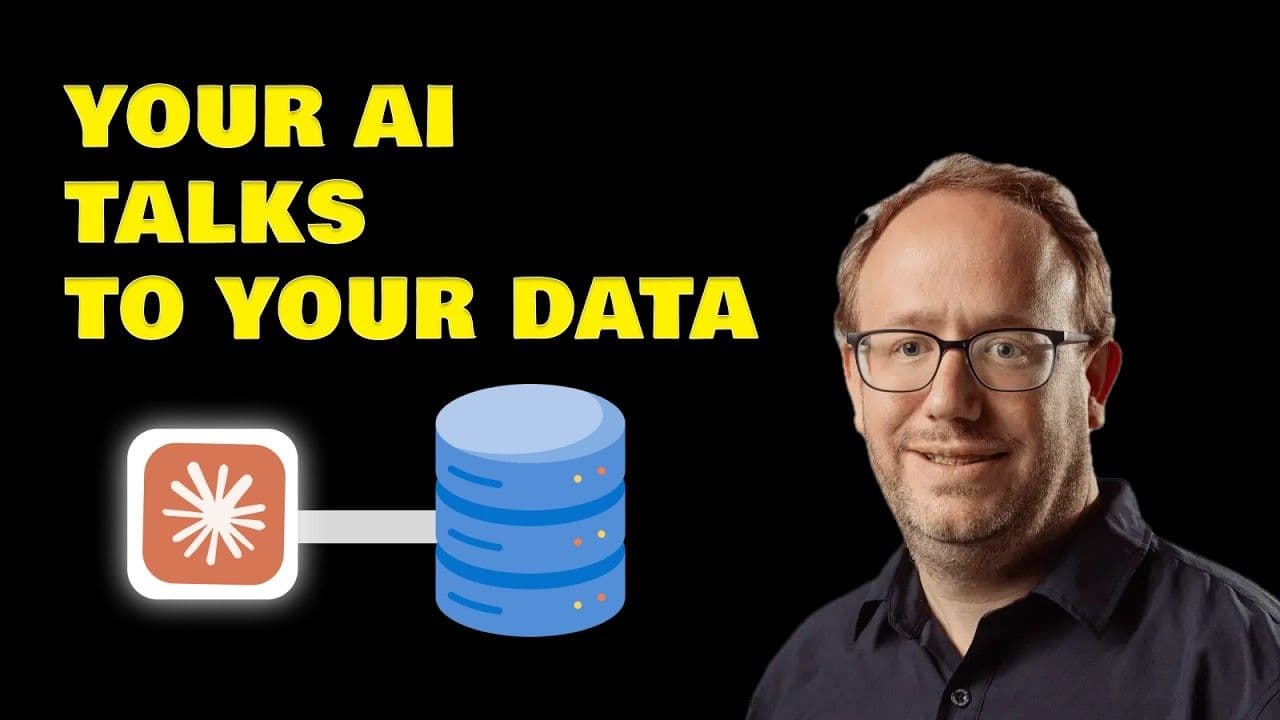
The Model Context Protocol (MCP) emerges as a solution to accelerate data pipeline development. Launched by Anthropic in 2024, MCP functions as a specialized API layer or translator for language models. It enables AI coding assistants like Cursor, Copilot, and Claude to communicate directly with external tools including databases and code repositories.
Tools like Zed and Replit quickly adopted MCP, which establishes secure connections between AI tools (the host, such as VS Code or Cursor) and the resources they need to access (the server, like database connections). This allows AI assistants to query databases directly rather than guessing about data structures, significantly reducing trial and error in code generation.
Setting Up MCP with DuckDB and Cursor
Stack Components
- DuckDB: Works with both local files and MotherDuck (cloud version)
- dbt: For data modeling
- Cursor IDE: An IDE that supports MCP
- MCP Server: The MotherDuck team provides an MCP server for DuckDB
Configuration Process
Setting up MCP in Cursor involves configuring how to run the MCP server through a JSON configuration file. This server enables Cursor to execute SQL directly against local DuckDB files or MotherDuck cloud databases.
Enhancing AI Context
AI performance improves dramatically with proper context. Cursor allows adding documentation sources, including official DuckDB and MotherDuck documentation. Both platforms support the new llms.txt and llm-full.txt standards, which help AI tools access current information in a properly formatted way.
For documentation not supporting these standards, tools like Repo Mix can repackage codebases into AI-friendly formats.
Building Data Pipelines with MCP
The Development Process
When building a pipeline to analyze data tool trends using GitHub data and Stack Overflow survey results stored on AWS S3:
- Provide comprehensive prompts specifying data locations, MCP server details, and project goals
- The AI uses the MCP server to query data directly via DuckDB
- DuckDB's ability to read various file formats (Parquet, Iceberg) from cloud storage makes it an ideal MCP companion
- The AI runs queries like
DESCRIBEorSELECT ... LIMIT 5to understand schema and data structure - Results flow directly back to the AI for better code generation
Best Practices
- Schema First: Always instruct the AI to check schema using
DESCRIBEcommands before writing transformation queries - Explicit Instructions: Tell the AI to use MCP for Parquet files rather than guessing structures
- Iterative Refinement: The AI can test logic using MCP while generating dbt models
Why DuckDB Excels with MCP
DuckDB serves as an excellent MCP tool because it:
- Reads multiple file formats (Parquet, Iceberg)
- Connects to various storage systems (AWS S3, Azure Blob Storage)
- Runs in-process, making it a versatile Swiss Army knife for AI data connections
- Provides fast schema retrieval for Parquet files
Key Takeaways for Implementation
To successfully implement MCP for data pipeline development:
- Provide Rich Context: Include documentation links, specify MCP servers, and detail project setup
- Prioritize Schema Discovery: Make the AI check schemas before attempting transformations
- Leverage Documentation Standards: Use
llms.txtsources when available - Iterate and Refine: Use the back-and-forth process to refine generated models
While MCP and AI agent technologies continue evolving rapidly, their potential for streamlining data engineering workflows is clear. The combination of MCP with tools like DuckDB and MotherDuck offers a promising path toward faster, more efficient data pipeline development.
Transcript
0:00So let's talk data engineering pipelines. It's fun to build pipelines, wrangling data, making sense of the cows, but man, it can be slow sometimes, right? You know how web developers write a bit of code, it refresh and bam, instant feedback with HTML and JavaScript. Data pipelines not always like that. We are jungling between multiple tools, complex SQL, Python,
0:24maybe Spark, maybe DBT. And it all depends on the data sitting somewhere. a database, a data lake, and often you feels like you're waiting age just to see if your latest change actually worked. So that feedback loop when developing, yeah, it's a nightmare. What if I told you that there is something buzzing in the AI word that might help
0:46us speed things up? You may have heard whispers about the model context protocol or MCP. I know it sounds fancy, but could it actually make our data lives easier? So first let's understand the data engineering workflow. You see this every single step needs data. You cannot just guess. Trying to mock realistic data is a nightmare. Even just
1:08getting the data in like converting CSV to parket. You have to look at the data.
1:14You know that column that looks like a boolean? Well surprise I've done it's got some random strings. So the only way around it is basically query the data source. Look at the data. test your assumptions and yeah no magic just work which takes time but now we have tools like GitHub copilot and cursor and those AI assistants are helping us write code
1:38faster you write a prompt AI splits the code and you test it but that workflow is still not perfect when dealing with data the AI doesn't always know your specific database schema or the weird edge gaze in your data so this is where MCP enters the chat. It's a newish open protocol. Think of it of a special API
2:01layer or a translator for lash language models. It lets our AI coding buddies like cursor copilot clothes actually talk to other tools with it be a databases code reposi you name it. So entropic kicked it off in 2024 and tools like zed replet jumped on board quickly.
2:21It basically set up a secure little connection between your AI tool, the host, maybe your IDE like VS code or cursor and the thing it needs to talk to the server like database connection in our case. So instead of just guessing about your data in our case, the AI guided by you or maybe even an agent can
2:41actually ask the database question which have all multiple trial and errors when generating code for data pipeline. Now things are still evolving. GitHub is doing co-pilot apps. Google is talking agent to agent stuff, but MCP looks like it's a really solid foundation for this agent communication. And there is a growing list on MCP server that you can
3:03check out on mcp.so. So enough talk. Let's see it in action. How can MCP actually help us build a data pipeline faster? The stack we are going to use is Doug DB. It's also work with Modduck. So it's cloud sibling and DBT for modeling.
3:19For the setup, you need an ID that speaks MCP. I'm using cursor here and you need the right MCP server for your tool. Luckily, the Mod team has built one for DuckDB. So, setting up in cursor is actually pretty easy. Uh, you basically just tell Sat how to run the MCP server. Don't worry, I'll link the details and the JSON config below. And
3:43this little server lets cursor directly run SQL against your local DDB file or your mo cloud database. So AI works way better with context and in cursor you can add also documentation source. You can just point it at the officials duck DB and modd documentation. But guess what? Both duck DB and mod support this cool new lms.txt and NLM full.txt txt which is a
4:10new standard to helps AI tools grab the latest uh you know information on the web into a proper format. So you can actually those URLs directly into a cursor and your AI is going to get way smarter about writing duct DB specific code. A side note if you are not using cursor and your documentation website is not providing an nlm.txt txt you can use
4:34repo mix which is basically repackaging a codebase into AI friendly format and you can go over you know the open source documentation and basically pass this link and you will get you know uh markdown format easy to ingest to your AI all right the setup is done let's cook I've got a prompt here which is pretty extensive uh for cursor basically
4:58I want to analyze data tool trends using GitHub data stack overflow survey result. Most of the data are sitting on AWS S3 and Acur News data also on AWS S3. I told it where the data is mentioned the MCP server MCP server model and give it my project path and said that the goal is to build some DBT
5:20models. I didn't give it the exact model I want because you know it needs to explore the data first. That's the whole process when writing data pipeline. So now you might start to understand why Doug DDB is a really good fit as an MCP because it can read to various file format would it be parket iceberg sitting on AWS3 as your blob storage and
5:42it runs in process so it's having a true to MCP makes a really nice Swiss Army knife for your AI to connect to various data source read the data and get the context. So now when passing the prompt you see that now he's going to use basically the MCP server it knows that it can query over S3 thanks to Doug DB.
6:02So it suggest running a query like a describe or a select something limit five. So the MCP is going to run the query against S3 here using Doug DB and the result the schema or sample of data is going to go straight back to the AI.
6:17So here sometimes uh the AIS is try to be clever and guess the schema instead of asking. So since our data here is in parket you know getting the schema is super fast with Doug DB you just tell the AI in your prompt before you write any fancy queries for parket files run a describe uh select from read parket
6:38using the MCP first and that would avoid more trial and error process where it runs and try again. So you start to understand that once the AI get the schema and other sample of data, it can generate much better code and after a bit back and forth with actually the same prompt interaction, maybe asking uh it to refine a few things uh it can
7:00generate the DBT models I need a staging models for a news data and it could even test parts of its logic using MCP while generating it. So the big takeaway here is that MCP is really nice for making data pipelines development less painful by letting our AI assistant talks directly to our data tools like Doug DDB. Some key things to remember if you
7:24try this. First, give your AI good context. So tell it about your docs. Specify the MCP server you want him to use your project setup. Use the lms.txt source, etc. Second, the schema. First make the AI check the schema with the describe command for example or others before it does any transformation. MCP and this wall AI agent word are still
7:48young and changing really fast but the potential for data engineering is definitely interesting. You can try it out the DBMCP by model by yourself.
7:57Until the next one, keep quacking and keep coding.
8:05[Music]
FAQS
How does MCP (Model Context Protocol) speed up data pipeline development?
MCP is an open protocol that lets AI coding assistants like Cursor and GitHub Copilot directly interact with databases and other tools. Instead of the AI guessing about your data schema, MCP allows it to query the database, retrieve schema information and sample data, and then generate much more accurate code for your data pipeline. This cuts down the trial-and-error loop that slows down traditional data engineering workflows. Learn more about how MCP works with DuckDB.
Why is DuckDB a good fit as an MCP server for data engineering?
DuckDB works well as an MCP server because it can read various file formats including Parquet and Iceberg, query data directly from AWS S3 and Azure Blob Storage, and runs in-process without needing a separate server. That makes it a versatile tool that lets your AI assistant connect to diverse data sources, read the data, and get context, all through a single MCP connection. For a quick start with DuckDB, check our tutorial.
What are the best practices for using MCP with AI coding tools for data pipelines?
The video covers several practical tips. First, give your AI good context by pointing it to documentation sources and using the llms.txt standard that DuckDB and MotherDuck support. Second, always have the AI check the schema first using a DESCRIBE command before writing any transformation queries, which avoids type mismatches and errors. Third, specify the MCP server you want the AI to use and your project setup in the initial prompt.
Can MCP be used with dbt models and DuckDB together?
Yes, MCP works well with dbt and DuckDB for building data pipelines. In the demonstrated workflow, the AI uses the DuckDB MCP server to explore source data on S3, understand the schema, and then generates dbt staging models. The AI can even validate its logic by running queries through MCP during code generation, which cuts down the back-and-forth testing cycle. You can try the DuckDB MCP server for MotherDuck yourself.

Related Videos
38:23
2026-03-17
Agents That Build Tables, Not Just Query Them
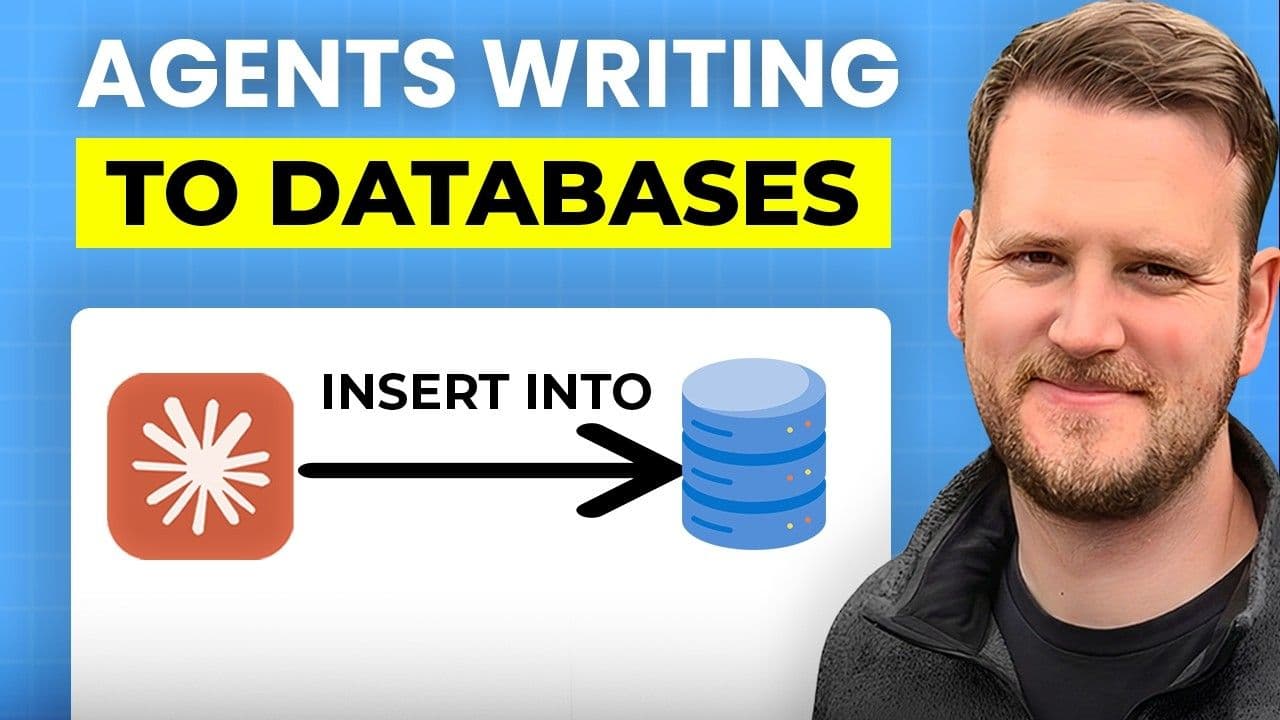
See how MotherDuck's new query_rw MCP tool lets AI agents write back to your data warehouse, creating tables, storing embeddings, and saving views.
Stream
AI, ML and LLMs
MotherDuck Features
SQL