Dashboards as Code : CI/CD For MotherDuck Dives
2026/03/05 - 4 min read
BYModern dataviz tools were built on layers of abstractions. Low code click-and-drag builders, new age spreadsheets, even markdown-based declarative tools that try to bridge the gap between composability and user-friendliness.
But in the age of agents, code is back, and it's the perfect tool for expressing stories about data.
Dives are just code — React components and SQL queries that live inside MotherDuck. Which means you can do something dashboards have never really supported: manage them with Git. We manage Dives this way at MotherDuck, in a repo called blessed-dives. It maintains version control for our canonical Dives, enables collaboration, and automates deployments–giving anyone with Claude Code the ability to contribute.
We put together an example repo that wires up the full workflow — local development, PR-based preview deployments, and automated production updates on merge. Here's how it works.
You can also watch the following tutorial if you prefer watching over reading.
Start with a Live Dive
Say you've got a Dive that's already published, created by an MCP client using the MotherDuck MCP server. It's useful but it needs work. New filters, better styling, an extra chart, or a wholesale overhaul.
With this workflow, you pull it into a Git repo instead. If you're using Claude Code with the MotherDuck MCP server, that's one prompt:
Copy code
Set up this dive for local development: https://app.motherduck.com/dives/...
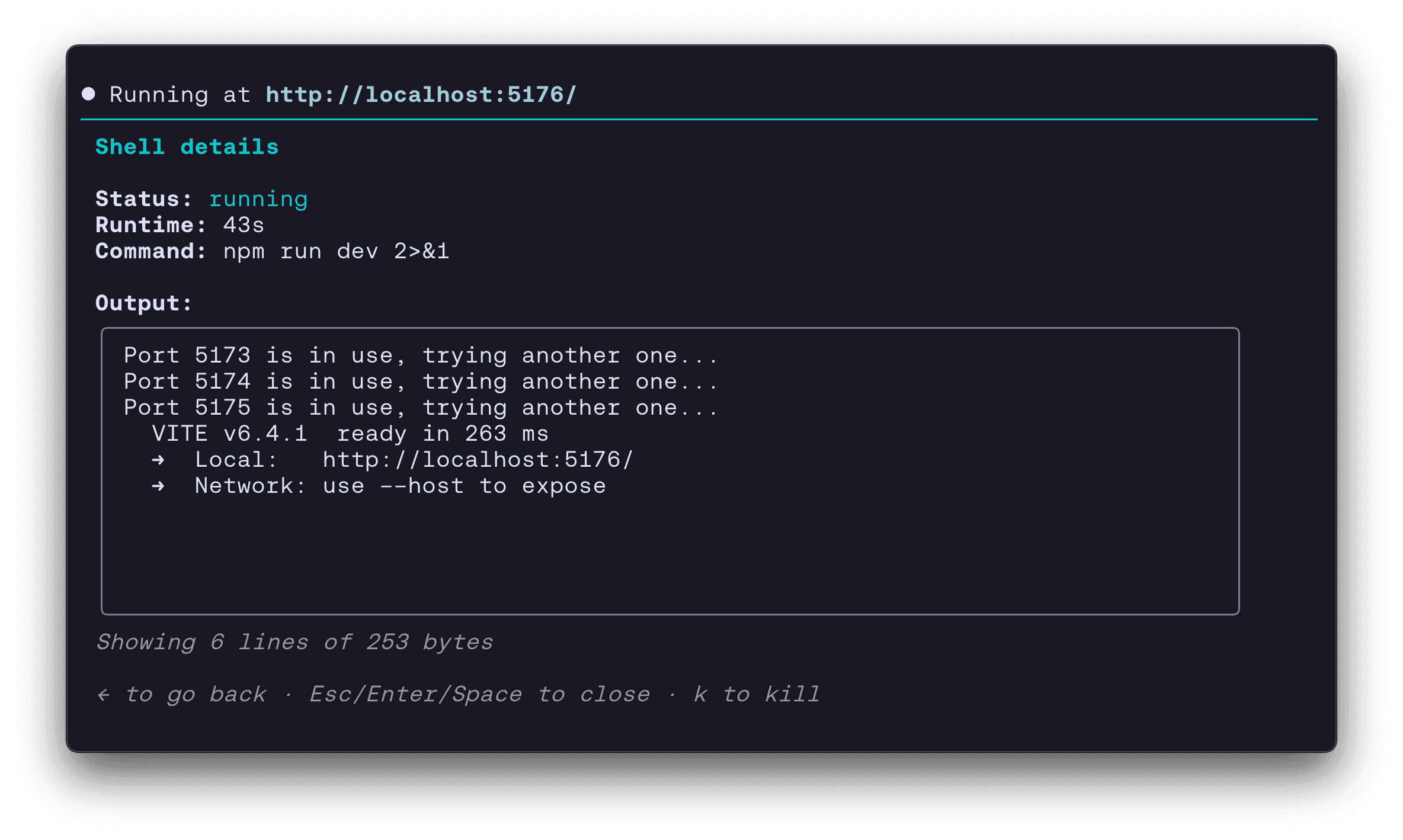
The agent reads the Dive via the SQL API and pulls down the file into a local directory. The MotherDuck MCP Server includes a get_dive_guide tool, which provides instructions for building the Dive locally. This includes the component contract for building with React, as well as instructions to install a lightweight Vite development server.
All that's required to get local up and running is a MotherDuck token and the MCP server. The get_dive_guide tool tells your agent about the dependencies, and stays aware that you're developing locally.
Local Editing, Fast Iteration
This is where working with an agent gets interesting. Because Dives are React + SQL, Claude Code can iterate on them rapidly — restyle a chart, rewrite a query, swap a bar chart for a heatmap — with the MCP server providing schema context and the preview server providing instant visual feedback.
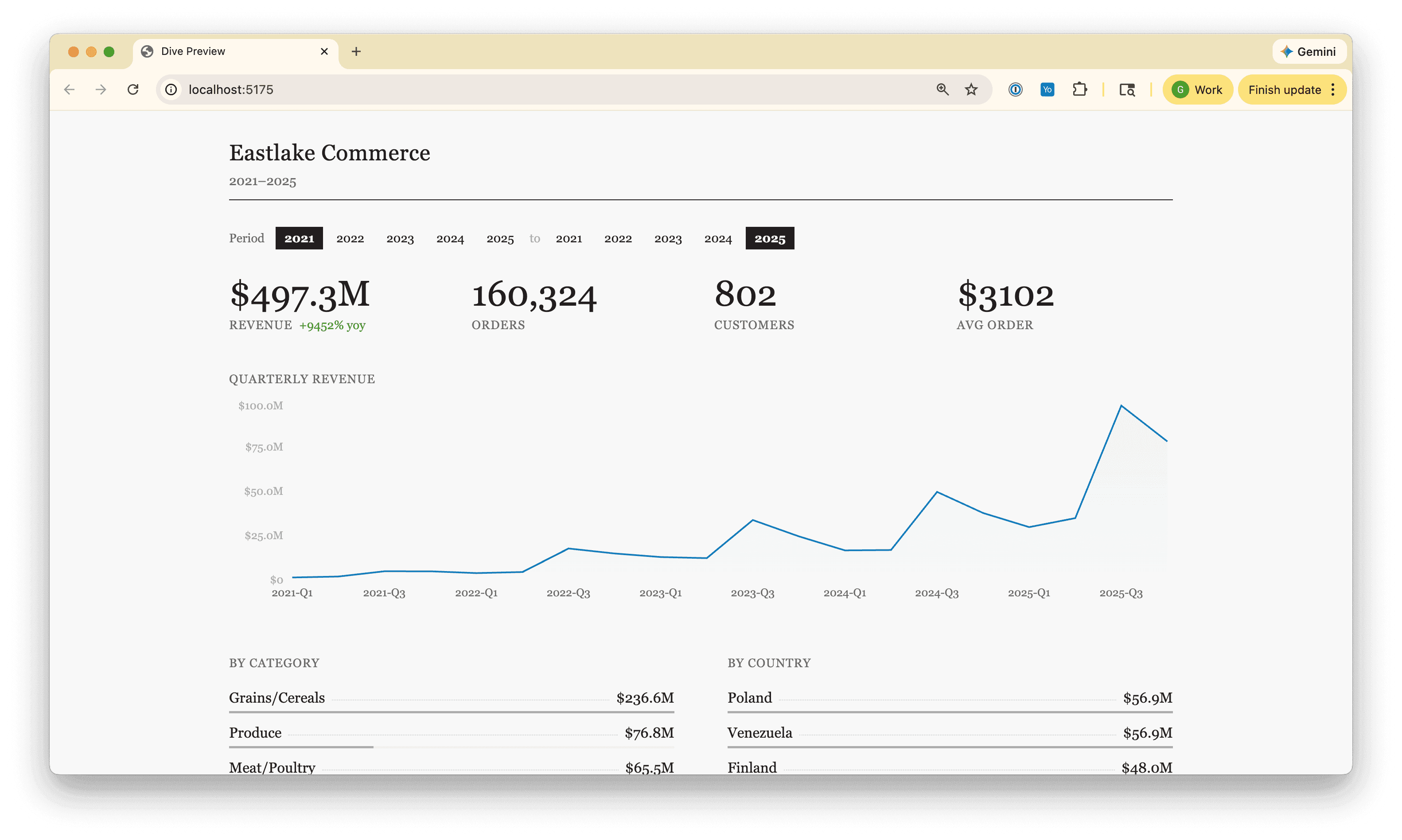
The blessed-dives repo includes a CLAUDE.md context file, which adds project-specific context: the folder conventions for managing content, plus how to register a new Dive for CI. Between the two, the agent has everything it needs to go from "pull this Dive down" to "push up a PR" without you explaining the plumbing.
Deploy with GitHub Actions
Push a branch, open a PR, and a GitHub Action deploys a preview Dive to MotherDuck — same live environment as production, but with a branch-tagged title so it's clearly labeled. A comment appears on the PR with a direct link.
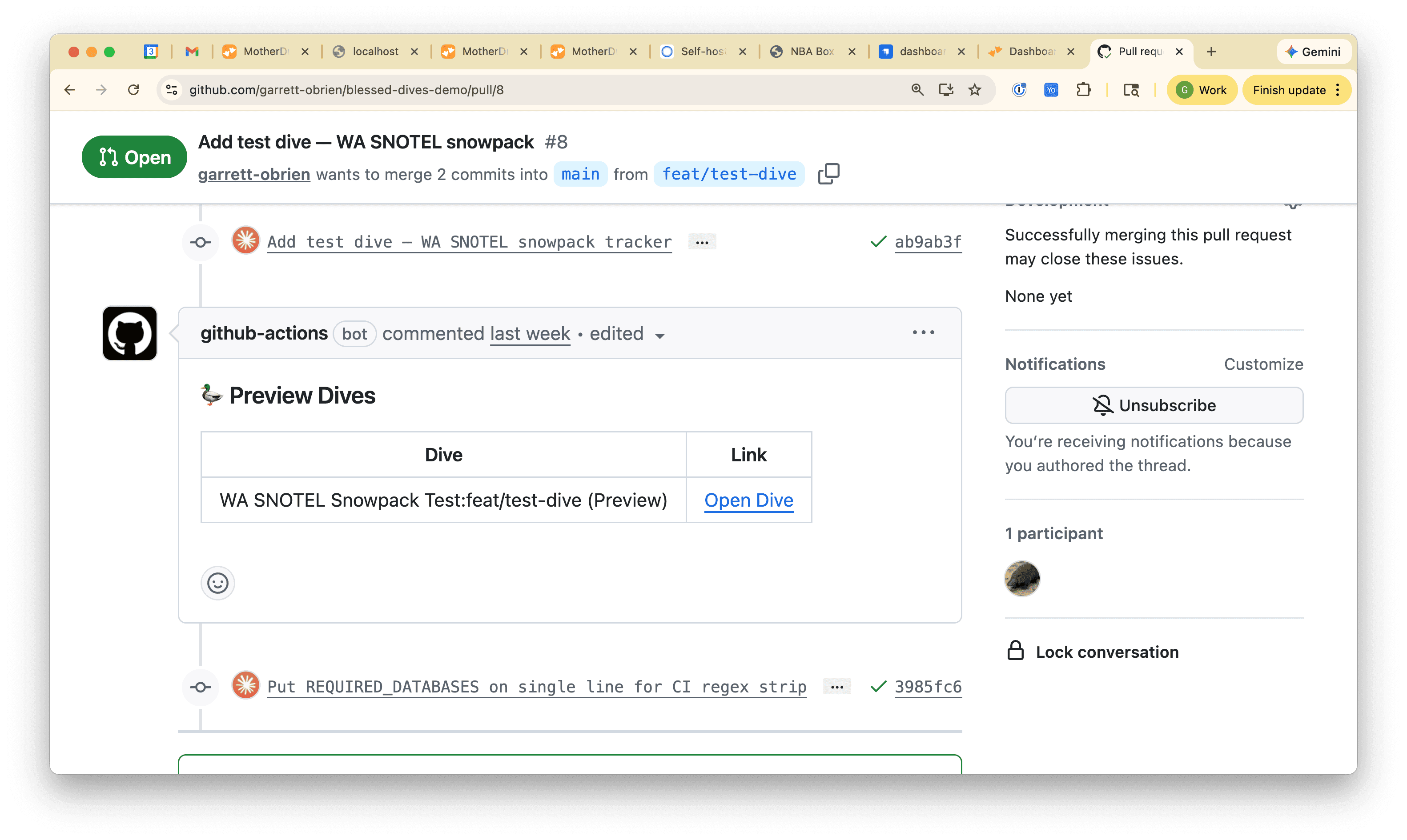
Your reviewer clicks the link and sees the Dive running with live queries.
Merge the PR and a separate deploy job runs — this time creating or updating the production Dive matched by title. Delete the branch and a cleanup action removes the preview. No orphaned Dives cluttering your account.
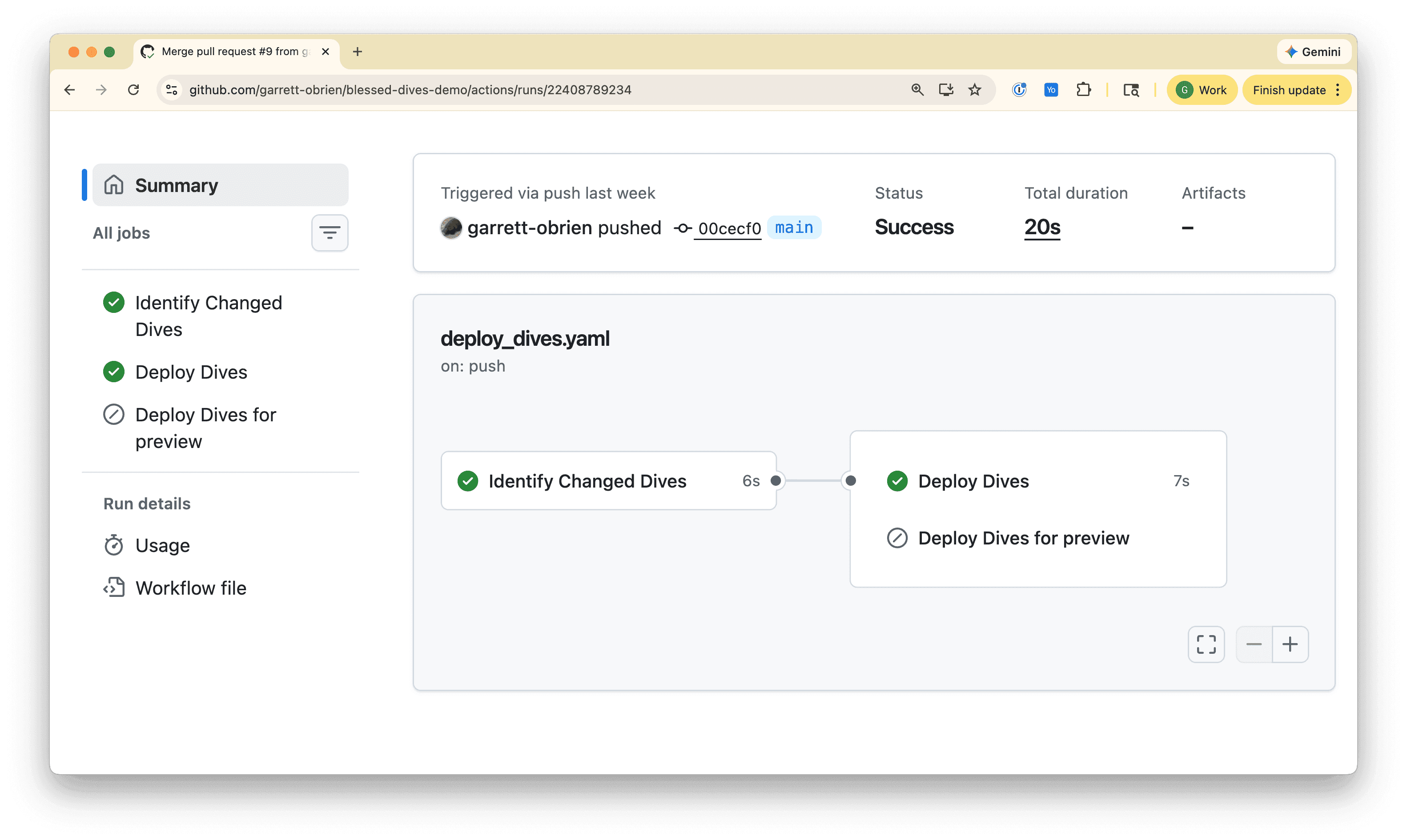
The whole pipeline is two GitHub Actions.
The deploy action uses path filters to detect which Dive folders changed, then calls a shared deploy script (scripts/deploy-dive.sh) for each one. The script reads the Dive's source and metadata, strips the local-only REQUIRED_DATABASES export, and uses the DuckDB CLI with the MotherDuck extension to create or update the Dive. On PRs it deploys a branch-tagged preview; on merge to main it deploys (or updates) the production Dive independently. The cleanup action runs on branch deletion and removes any preview Dives that match the deleted branch.
One GitHub secret — a read/write MotherDuck API token — and you're set. At MotherDuck, we use a dedicated service account so anyone with repo access can edit and deploy with the same ownership scope.
Try for Yourself
The starter repo has everything you need — a working example Dive, the Vite preview setup, both GitHub Actions, and a CLAUDE.md that teaches your agent the conventions. Fork it, set a MOTHERDUCK_TOKEN secret, and you're deploying Dives on merge. Checkout our docs for detailed instructions.
If you're already using Claude Code with the MotherDuck MCP server, the fastest way to start is to pull down a Dive you've already published. Point the agent at the share link, tell it to set up local development, and start iterating. The workflow handles the rest — previews on PR, production on merge, cleanup on branch delete.
Anything you'd want to see in a Dive is one prompt away.
Start using MotherDuck now!