Shareable visualizations built by your favorite agent
2026/02/25TL;DR
This webinar explores how MotherDuck is closing the loop between ad hoc questions and repeatable, shareable answers — using AI agents, natural language, and the new Dives feature to generate live data apps on the fly.
The Problem with One-Off Queries
Most data workflows look the same: someone asks a question, you write a query, share a screenshot or CSV, and then get the same question again next week. It's a loop that eats time without building anything reusable.
Where AI Agents Come In
MotherDuck's MCP server lets AI agents connect directly to your data warehouse, run SQL queries from natural language prompts, and generate interactive visualizations — without you ever opening a BI tool. The agent handles the query. You get a shareable URL.
What Are Dives?
Dives are React-based data apps built on top of live MotherDuck queries. An AI agent can generate one in seconds, and anyone with the link can view the results in real time — no login required, no dashboard setup.
Who This Is For
If you work with data and find yourself fielding repeat questions or manually sharing query results, this session shows a different approach. Whether you're an analyst, data engineer, or just DuckDB-curious, the workflow is worth seeing.
Getting Started
You can try Dives today through MotherDuck's web interface or via the MCP server integration. Check out the getting started guide to connect your first AI agent.
FAQS
What are MotherDuck Dives?
Dives are interactive data apps that sit on top of live MotherDuck queries. Rather than exporting a chart or emailing a spreadsheet, you share a URL. Whoever opens it sees current results. They're built with React, but you don't write any frontend code yourself.
How does an AI agent create a shareable visualization?
The agent connects to MotherDuck through the MCP server, runs a query against your data, and generates a Dive — a self-contained app — from the results. You type a prompt in plain English, and a few seconds later you have something you can send to people. There's no dashboard to configure and no chart builder to wrestle with.
Do I need to know SQL to use Dives?
No. The AI agent writes the queries. Someone on your team does need a connected MotherDuck account, since Dives run on live queries, but once a Dive exists, anyone with the link can view it. No SQL, no MotherDuck login on their end.
Can I share a Dive with someone outside my organization?
Yes. Each Dive has its own URL. Send it to a client, a teammate, whoever — they don't need a MotherDuck account and they don't need to log in. They just see the data.

Related Videos
58:00
2026-04-07
What's New in DuckDB 1.5!
Alex Monahan and Jacob Matson walk through DuckDB 1.5's biggest features including the VARIANT type, redesigned CLI, built-in GEOMETRY, and faster joins.
Webinar
55:29
2026-04-02
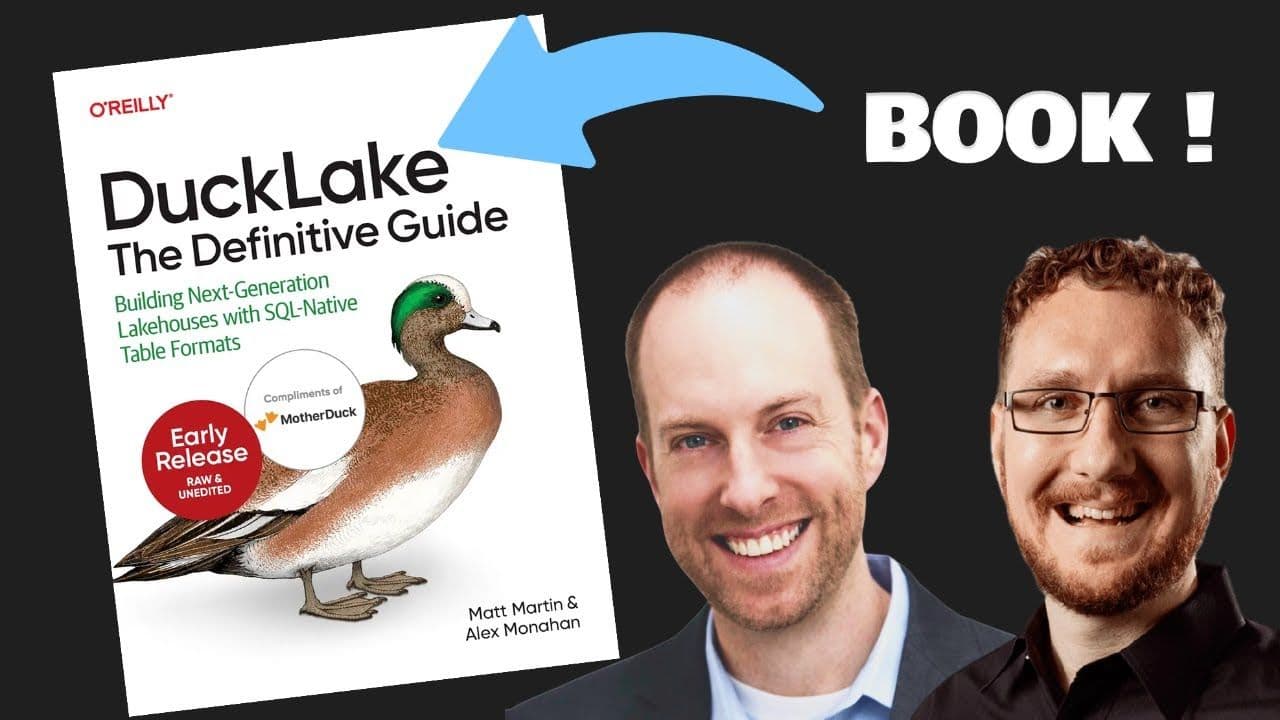
All About DuckLake: The O'Reilly Book
Matt Martin and Alex Monahan, coauthors of O'Reilly's DuckLake: The Definitive Guide, discuss what DuckLake is, how it simplifies lakehouse architecture, and why it replaces file-based metadata with a SQL database. Includes a live Q&A and the release of Chapter 1.
Webinar
Ecosystem