TL;DR: MotherDuck co-founder Ryan Boyd and AE team lead Logan Tosky show how sales reps and marketers can query their own data and build shareable dashboards using AI, no SQL required.
What this covers
Most data tools are built for engineers. This session is for the people who actually have to hit the number: account executives trying to catch churn before it happens, marketers who want to see their lead funnel without filing a ticket, sales managers who need their own view of the pipeline.
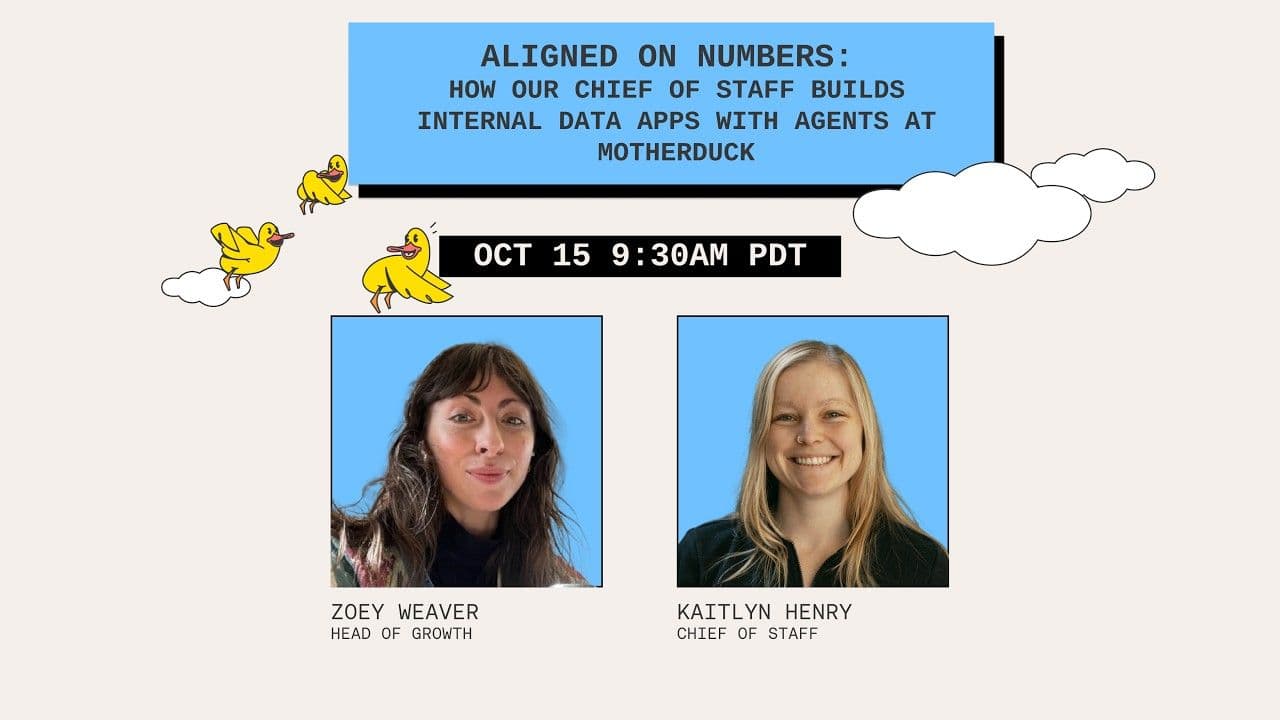
Ryan Boyd (MotherDuck co-founder, leads marketing) and Logan Tosky (AE team lead, 10+ years in tech sales) walk through how they each use AI and MotherDuck day to day, then run live demos of what they've actually built.
How Logan manages his book of business
Logan built a custom account health dashboard that shows usage trends, capacity consumption, and growth signals across his entire book. He can drill into any account with one click, filter by growth rate, and spot customers who might be approaching their limits. Before this, that meant pairing with a customer engineer and writing SQL together.
He also demos using Claude as a thought partner alongside the visual dashboard. He'll notice something interesting in a chart, then ask Claude to explain what's actually driving it.
How Ryan tracks marketing performance
Ryan's team built a unified marketing dashboard covering lead sources, email sequence performance, webinar analytics, and web traffic. It pulls from PostHog, Google Search Console, and HubSpot. The whole thing took about two days, and a non-technical marketer on the team built pieces of it using nothing but prompts.
What makes this possible: the MotherDuck remote MCP
The MotherDuck MCP server connects any AI agent to your data warehouse without local setup. Logan walks through connecting Claude to MotherDuck on a fresh account in real time. It took about 20 seconds.
What is a MotherDuck Dive?
A Dive is a shareable, refreshable analytics app you build directly in your AI agent. Instead of a one-off chart that lives in a conversation, it becomes a URL your whole team can bookmark and revisit. Ryan and Logan both demo Dives they've built and show how you can combine Dives from different team members into a single shared dashboard.
You can browse examples in the MotherDuck docs to see what's possible before building your own.