DOCS
← Back to Glossary
command line
Last updatedThe command line, also known as the terminal or shell, is a text-based interface for interacting with a computer's operating system.
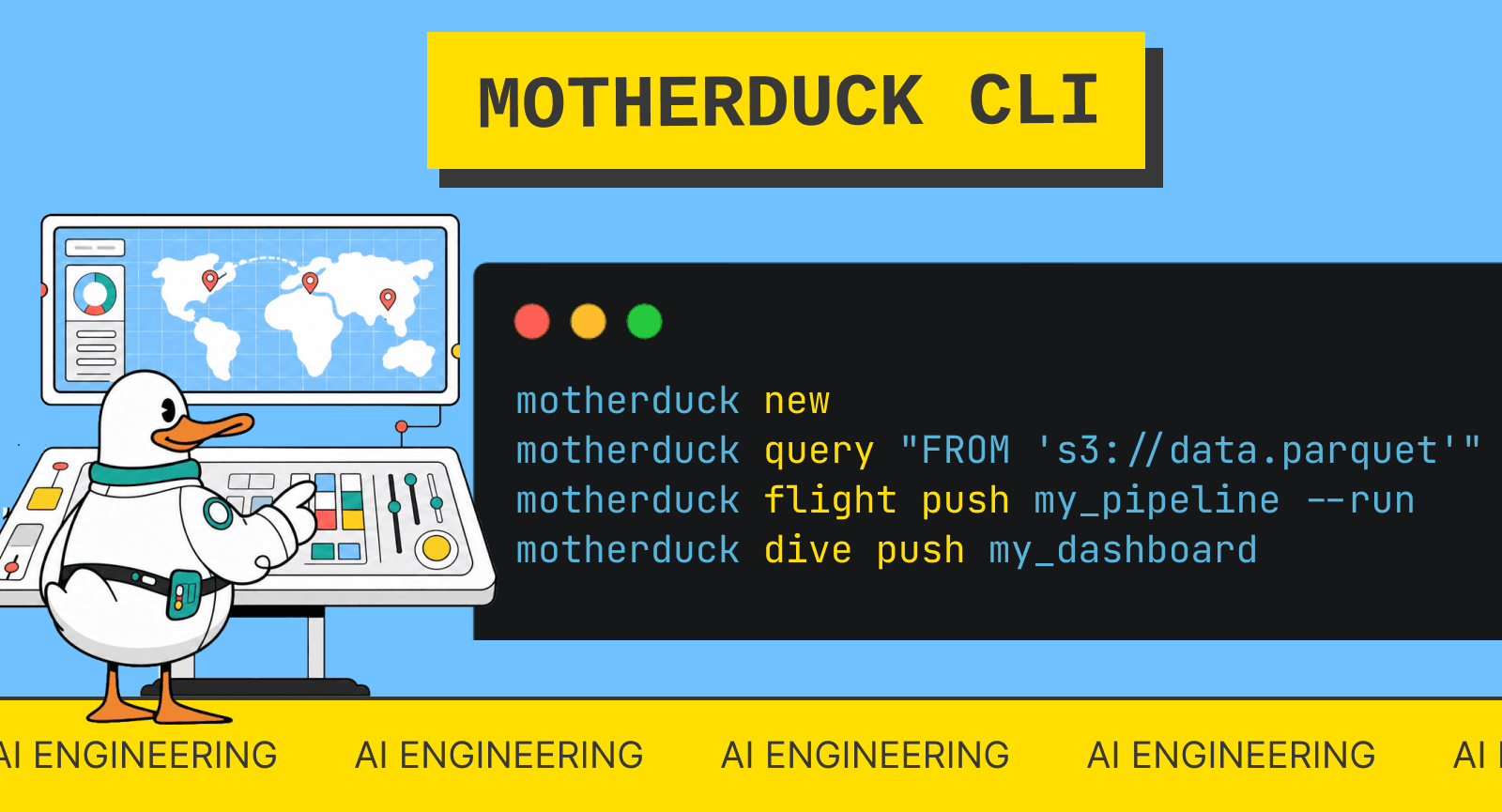
The command line, also known as the terminal or shell, is a text-based interface for interacting with a computer's operating system. It allows users to execute commands, navigate file systems, and perform various tasks without a graphical user interface. For data analysts and engineers, the command line is an essential tool for tasks like running scripts, managing databases, and automating workflows. Popular command line interfaces include Bash on Unix-based systems and PowerShell on Windows. Proficiency in command line usage is crucial for working with data tools, version control systems like Git, and cloud platforms. Many data processing tools, including DuckDB, offer command line interfaces for quick data exploration and analysis.
Related terms
DuckDB CLI →
The DuckDB Command Line Interface (CLI) is an interactive terminal program that lets you directly interact with DuckDB databases using SQL commands.
dot-commands-duckdb →This guide dives into the realm of dot commands, which are special commands that enhance the functionality of the DuckDB CLI, making it even more versatile…
CLI →The CLI, or Command-Line Interface, is a text-based interface used to interact with computer programs and operating systems through typed commands.
CSV →CSV (Comma-Separated Values) is a simple, text-based file format used to store tabular data.
INSERT statement →The INSERT statement is a fundamental SQL command used to add new rows of data into a table.
Grain →Grain is the level of detail that a single row in a fact table represents — for example, one row per order line item versus one row per order per day.