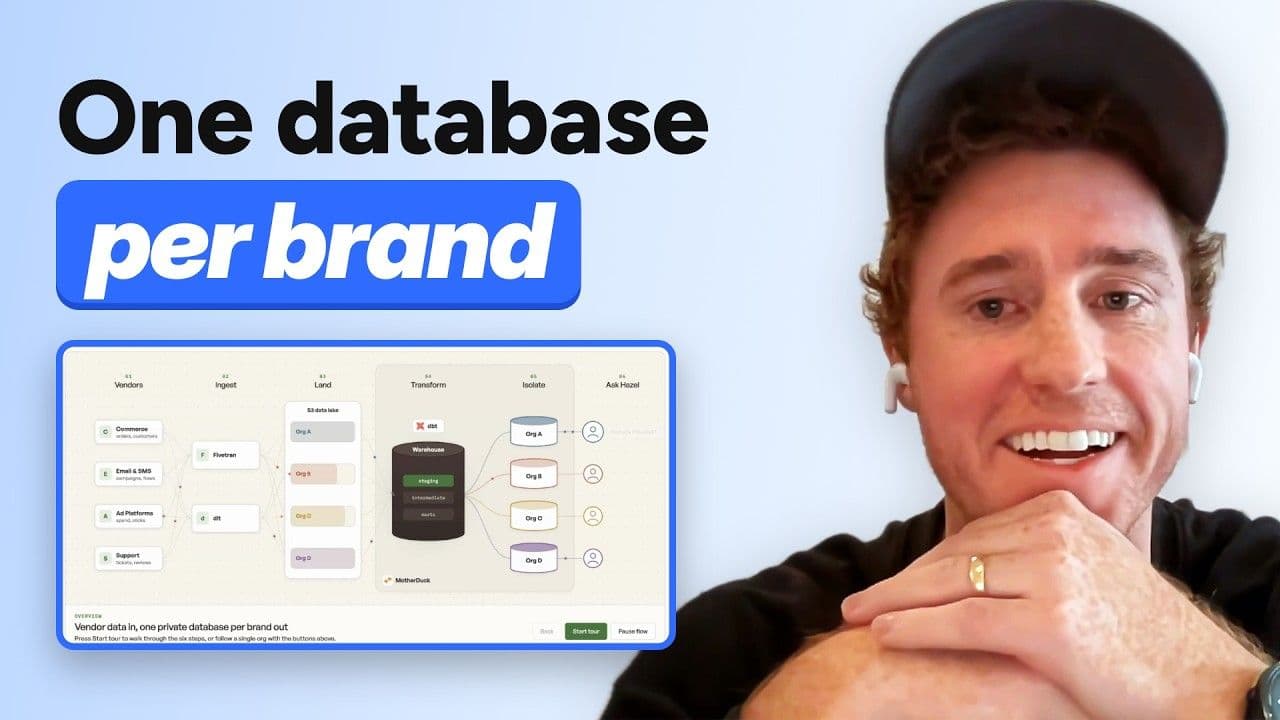
Alex Monahan of MotherDuck and Matt Martin, co-authors of O'Reilly's DuckLake: The Definitive Guide, walk through the book's performance optimization chapter. They cover how to find the bottleneck, how to partition and sort so queries skip files and row groups, which Parquet settings to tune together, and how to keep the catalog lean. The session uses slides and diagrams, with audience questions throughout.
Why DuckLake reads are fast
DuckLake keeps its catalog and metadata in a SQL database instead of on object storage. Alex contrasts that with Iceberg, where a read goes through four steps in series (the catalog, a metadata file, a manifest list, and manifest files), each taking 100 milliseconds or more on object storage, before any Parquet is read. DuckLake does one lookup against the catalog database, which he puts at around five milliseconds, and then reads Parquet. Matt adds that a relational catalog benefits from decades of indexing and tuning experience, and that code written against a local DuckLake moves to a cloud runner unchanged. In DuckDB 2.0, Alex says DuckLake gets about three times faster on large reads because async I/O lets each core run several background requests to object storage at once.
Find the bottleneck first
Measure before you tune. Matt's test is whether the juice is worth the squeeze, and Alex suggests focusing on workloads where people are waiting on a spinner. Turn on DuckDB's profiling and logging, which record HTTP times and time spent scanning, joining, and aggregating as JSON, log slow queries on the catalog database, and point an agent at the logs. Alex's rules of thumb: big reads point to file layout, small reads to the catalog, big writes to compute, and many small writes to the catalog and inlining.
Partitioning and sorting to skip data
Partition on a column most queries filter on, such as a date, so DuckDB skips whole files. Then sort so Parquet row group statistics let it skip row groups inside the files it does read. DuckDB 2.0 lets you declare partitioning and sorting inside CREATE TABLE and CTAS, which Alex notes suits dbt. DuckLake reasons about partition transforms, so filtering on a timestamp still prunes year and month partitions (hidden partitioning), and DuckDB pushes filters across joins into the scan. Changes only apply to newly written files, so recreate the table with a CTAS to rewrite existing data.
When queries filter on different columns, sorting by one column and then another scrambles the second. Alex recommends space-filling curves such as Z-order or Hilbert, which sort a little by both, and walks through a "restaurants near me" geospatial example. He says sorting by an arbitrary expression is unique to DuckLake, and calls this his favorite optimization.
Parquet settings, tuned together
Alex's three settings to try: Parquet version 2, Zstandard compression instead of Snappy, and larger row groups (about 4 MB per column, two to four times the default). Aim for roughly ten row groups per file, and move file size and row group size together because they affect each other. He suggests asking an agent to run a design of experiments instead of tuning one setting at a time. In his own testing about six months ago, tuning these together made queries around 40% faster, and he did not have per-setting benchmarks. For very wide tables he suggests trying uncompressed.
Inlining, catalog tuning, and maintenance
Inlining writes small inserts (ten rows or fewer by default) into the catalog instead of creating tiny Parquet files, which keeps latency low and avoids the small-file problem. Reads combine inlined and Parquet data transactionally. Flushing applies your partitioning and sorting, so Alex suggests flushing at about your target file size, every million to ten million rows, not every hundred.
For the catalog, he suggests adding an index on the column statistics table, giving the database enough RAM to hold the whole catalog, and expiring and deleting old snapshots, which Matt says you can do progressively (daily recent snapshots, then weekly, then monthly). Alex's maintenance advice is to compact deletions and compact files toward 1 GB or more, and to keep a ten-day deletion window so you never have to recover files from object storage. The first five chapters of the DuckLake book are available as a PDF, and Matt expects the finished book in early 2027. See also the DuckLake docs.