BLOG
Ducktober is here - 8 launches in 8 daysSee what's live
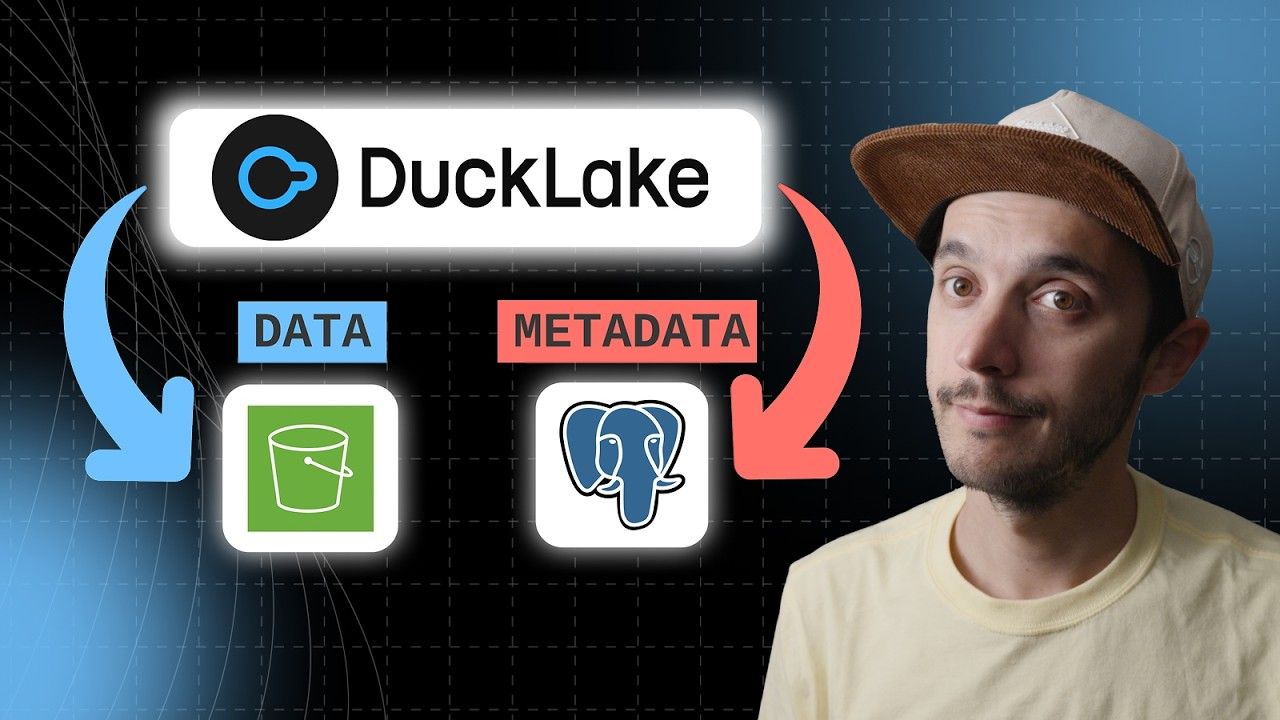
Object storage is a data storage architecture that manages data as discrete objects — each with data, metadata, and a unique identifier — in a flat namespace, accessed over HTTP APIs rather than a traditional file system hierarchy.
Object storage stores data as self-contained objects — a blob of bytes plus metadata and a unique key — inside flat containers usually called "buckets." Unlike a traditional file system, there's no real directory tree; keys that look like paths (orders/2026/01/data.parquet) are just strings, though most tools present them as if they were folders. Objects are read and written over HTTP(S) APIs rather than a local file system protocol.
Object storage services — Amazon S3, Google Cloud Storage, Azure Blob Storage, and S3-compatible systems like MinIO or Cloudflare R2 — are the default backing store for modern data lakes and lakehouses. They offer effectively unlimited capacity, high durability (S3 targets 11 nines of durability), and low per-gigabyte cost, decoupled from any single compute cluster. This is what let the industry move away from HDFS clusters, where storage and compute were bundled onto the same machines.
Object storage isn't built for low-latency random writes or file locking the way a local disk or network file system is; individual objects are typically written once and replaced wholesale rather than edited in place. That fits analytical workloads well, since formats like Parquet are written once and read many times, but it's part of why table formats like Iceberg, Delta Lake, and DuckLake exist — to layer transactional semantics on top of immutable objects.
DuckDB's httpfs extension reads and writes S3-compatible object storage directly:
Copy code
INSTALL httpfs;
LOAD httpfs;
CREATE SECRET (
TYPE s3,
PROVIDER credential_chain
);
SELECT * FROM read_parquet('s3://my-bucket/events/*.parquet')
WHERE event_date >= '2026-01-01';
DuckDB also supports glob patterns and Hive-style partitioned paths, so it can scan large object storage prefixes without downloading files first.
The httpfs extension is DuckDB's built-in module for reading and writing files directly over HTTP(S) and from S3-compatible object storage, Azure, and Google Cloud Storage, without downloading them first.
HDFS →HDFS (Hadoop Distributed File System) is a distributed, block-based file system designed to store very large files reliably across clusters of commodity hardware, historically the primary storage layer for Hadoop-based big data systems.
storage layer →The storage layer refers to the component of a data system responsible for persistently storing and managing data.
Cloud Storage →Cloud storage refers to a model of data storage where digital information is kept on remote servers accessed through the internet, rather than on local hard…
storage →DuckDB uses an efficient columnar storage format optimized for analytical queries.
fsspec →fsspec (Filesystem Spec) is a Python library that provides a single, consistent interface for reading and writing files across local disks, cloud object stores, HTTP, and many other storage backends.
Amazon S3, Google Cloud Storage, Azure Blob Storage, and self-hosted S3-compatible systems like MinIO are all examples of object storage services.
No. Object storage keeps data as objects identified by keys in a flat namespace accessed via HTTP APIs, while a file system organizes data in a real directory hierarchy accessed through OS-level file protocols.
Yes. DuckDB's httpfs extension can read and write Parquet, CSV, and JSON files directly from S3-compatible object storage using functions like read_parquet('s3://...') without downloading files first.